Get Subwave on iOS, Android, or Web and follow along.
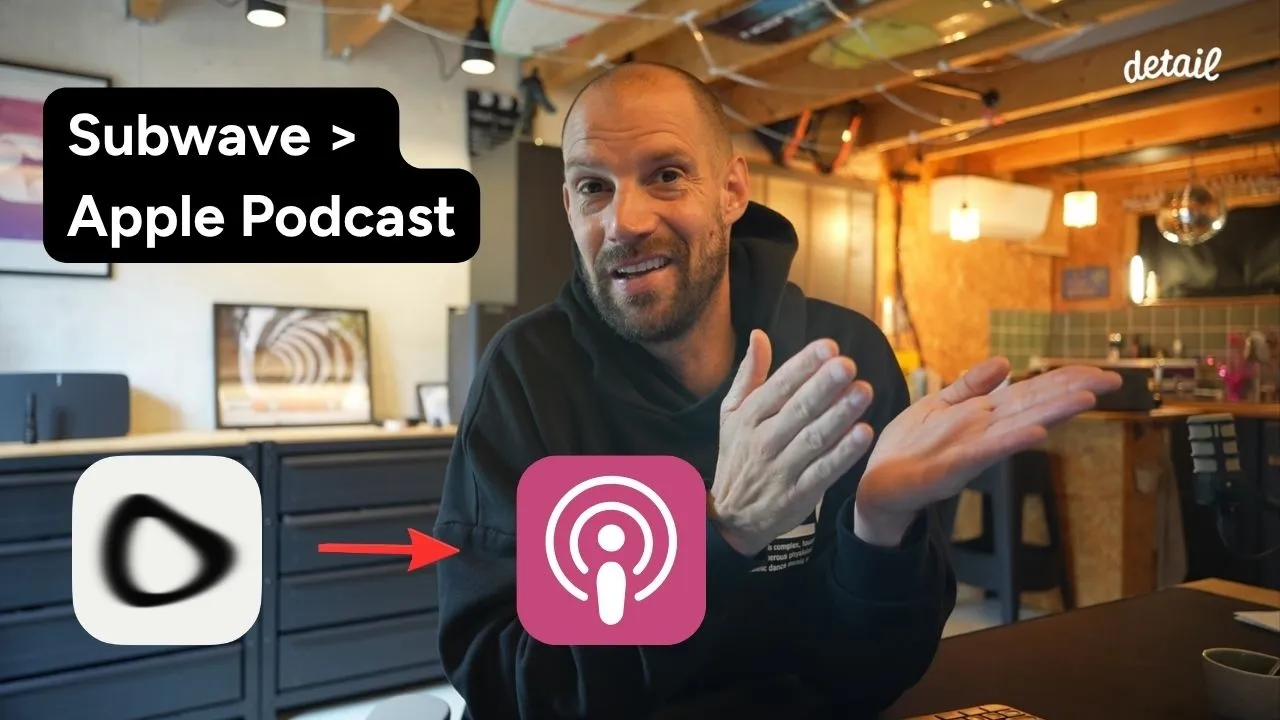
Publishing your podcast to Apple Podcasts sounds like it should be complicated. You need hosting, an RSS feed, approvals... but with Subwave, the whole thing takes about five minutes. Here's how to do it.
What you need
Before you start, make sure you have three things:
A Subwave account (it's free)
Some content already uploaded to your Subwave channel
An Apple ID (if you have an iPhone, you already have one)
Step 1: Find your RSS feed in Subwave
Log into Subwave and go to your account settings. Select the channel you want to publish, then click Manage. On that page you'll find your RSS URL, something like subwave.app/yourchannel/feed. Copy it.
While you're there, it's worth filling in your channel category, your name, and your email. Apple pulls this information into your podcast listing automatically.
Step 2: Submit your RSS feed to Apple Podcasts
Go to podcastsconnect.apple.com and sign in with your Apple ID. Click the plus icon, select New Show, then choose Add a show with an RSS feed. Paste in the URL you copied from Subwave and click Add.
Apple will pull in your channel details, cover art, description, and all your episodes automatically.
Step 3: Wait for approval (it's fast)
Once submitted, Apple reviews your show. If everything looks good, your podcast goes live and anyone can find it by searching your channel name in the Apple Podcasts app. All your videos appear as individual episodes, with video and audio both supported.
That's it. No complicated setup, no third-party tools.
Ready to try it? Get Subwave on iOS, Android, or Web and start publishing everywhere at once.