Learn how to make great videos, fast.
Learn how to make great videos, fast.
Learn how to make great videos, fast.
Tutorials, courses and guides for making videos with Detail.
Tutorials, courses and guides for making videos with Detail.
Tutorials, courses and guides for making videos with Detail.
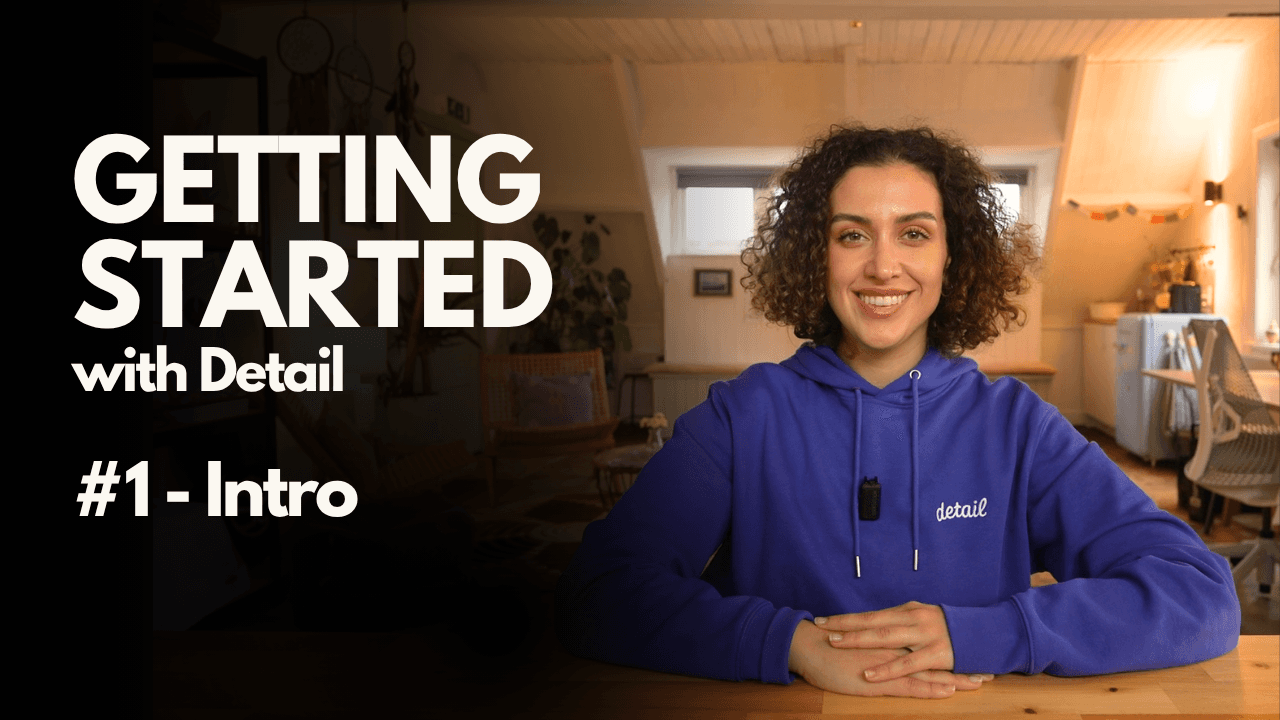
iPhone Video Tutorials
iPhone Video Tutorials
iPhone Video Tutorials
iPhone Video Tutorials
Make better videos, faster with your iPhone or iPad.
Make better videos, faster with your iPhone or iPad.
Make better videos, faster with your iPhone or iPad.
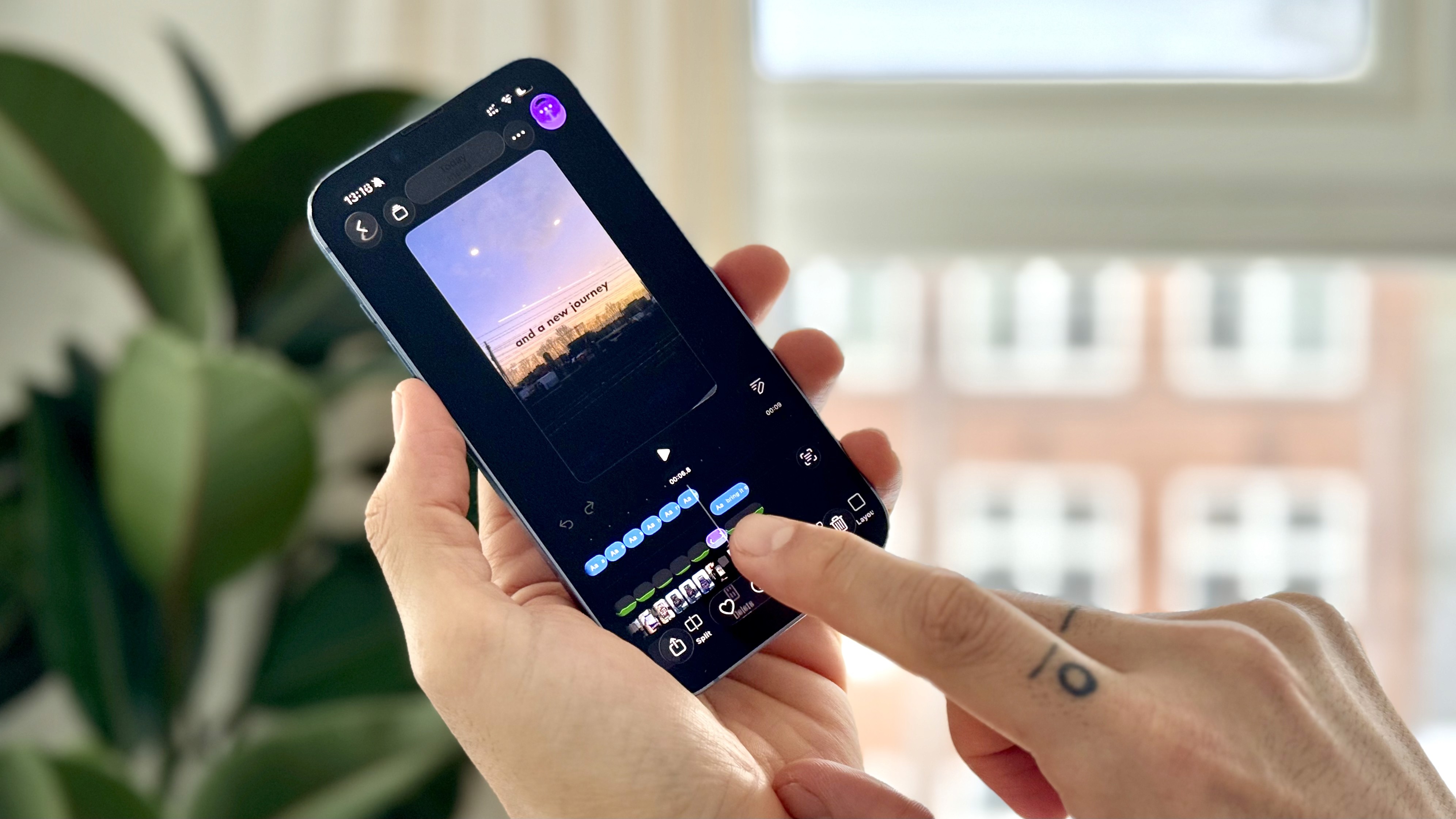
How to Create a Photo Slideshow Video Using Detail
How to Create a Photo Slideshow Video Using Detail
Learn how to import multiple photos into Detail, trim them on the timeline, add music, apply transitions, and turn your images into a polished slideshow video in minutes.
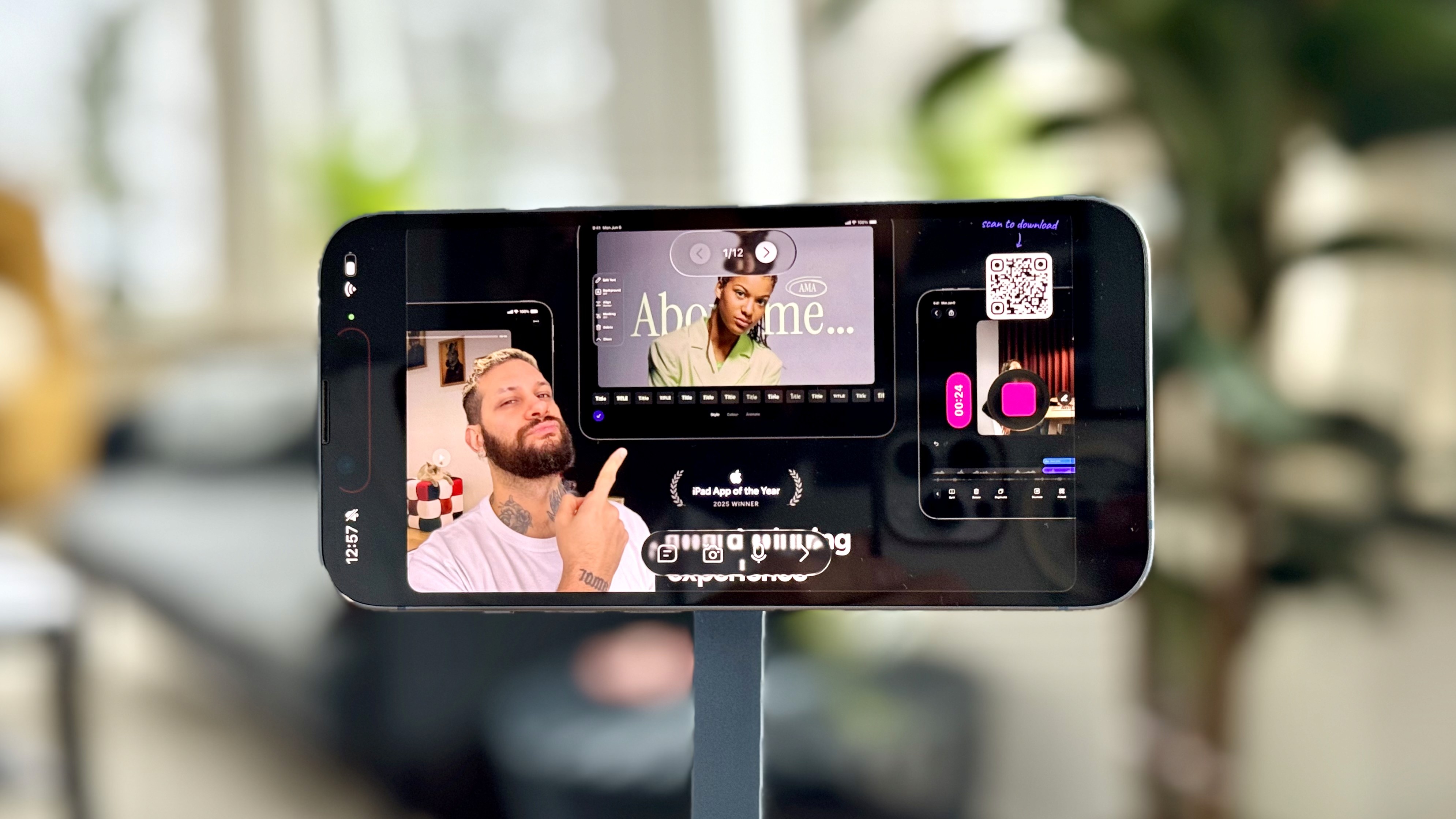
How to Record Presentations with Slides Using Detail
How to Record Presentations with Slides Using Detail
Learn how to record presentation videos using slides in Detail. Import PDFs exported from PowerPoint, Keynote or Canva, record hands-free with the teleprompter, turn presentations into shorts with Auto Edit, and even live stream with slides on iPhone or iPad.

Holiday Audio Guide: Choosing the Right Mic for Your Videos
Holiday Audio Guide: Choosing the Right Mic for Your Videos
With the holiday season coming up it's time to talk gear. Microphones to be precise. Sure, Detail will let you record a talking head video perfectly fine with only your iPhone, zero issues.
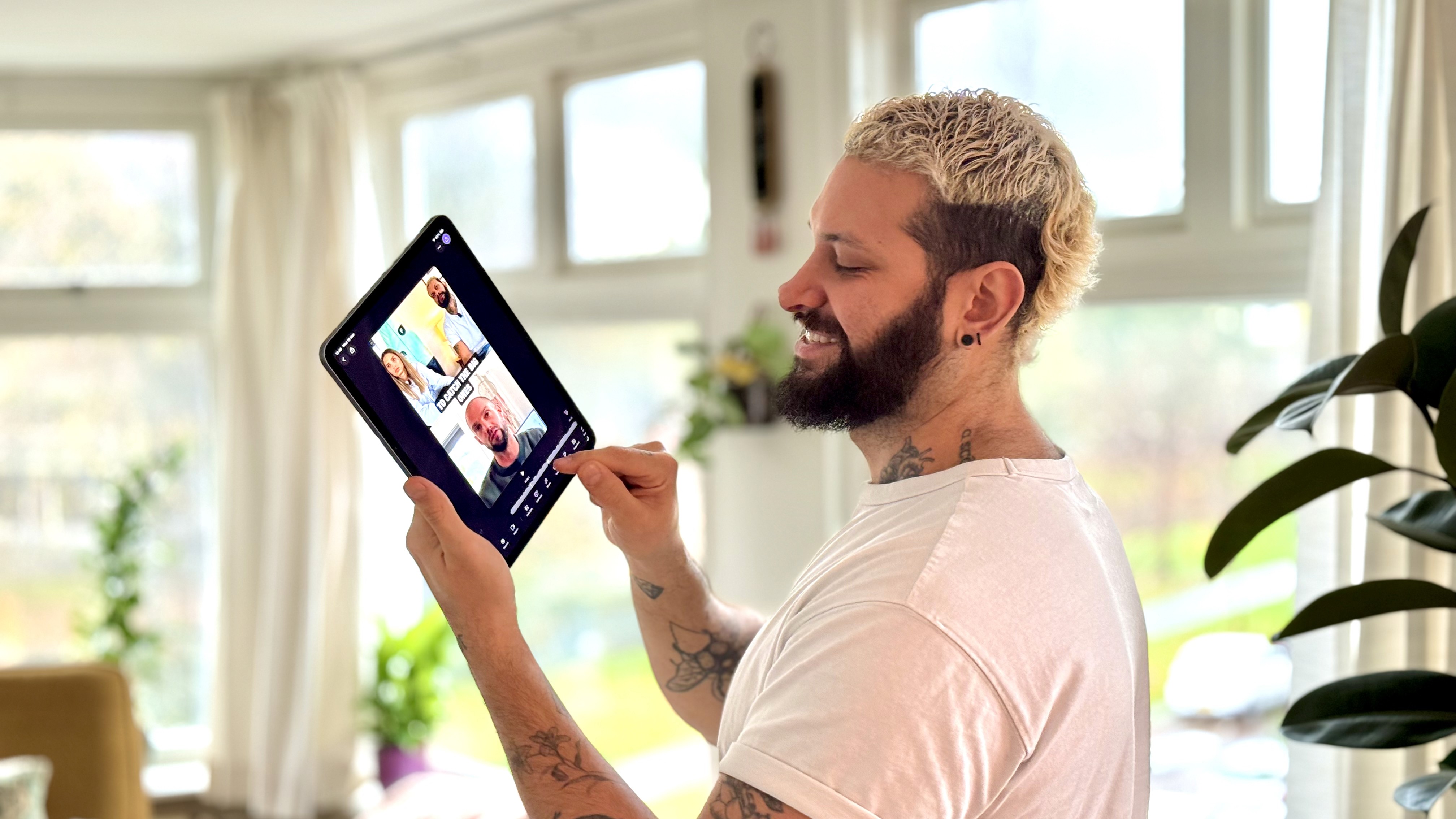
How to Create Videos With Zero Editing Using Auto Edit
How to Create Videos With Zero Editing Using Auto Edit
Learn how to turn a single recording into long-form videos and short clips using Auto Edit in the Detail app. This guide shows how to use Auto Edit for talking-head videos and multi-speaker podcasts.
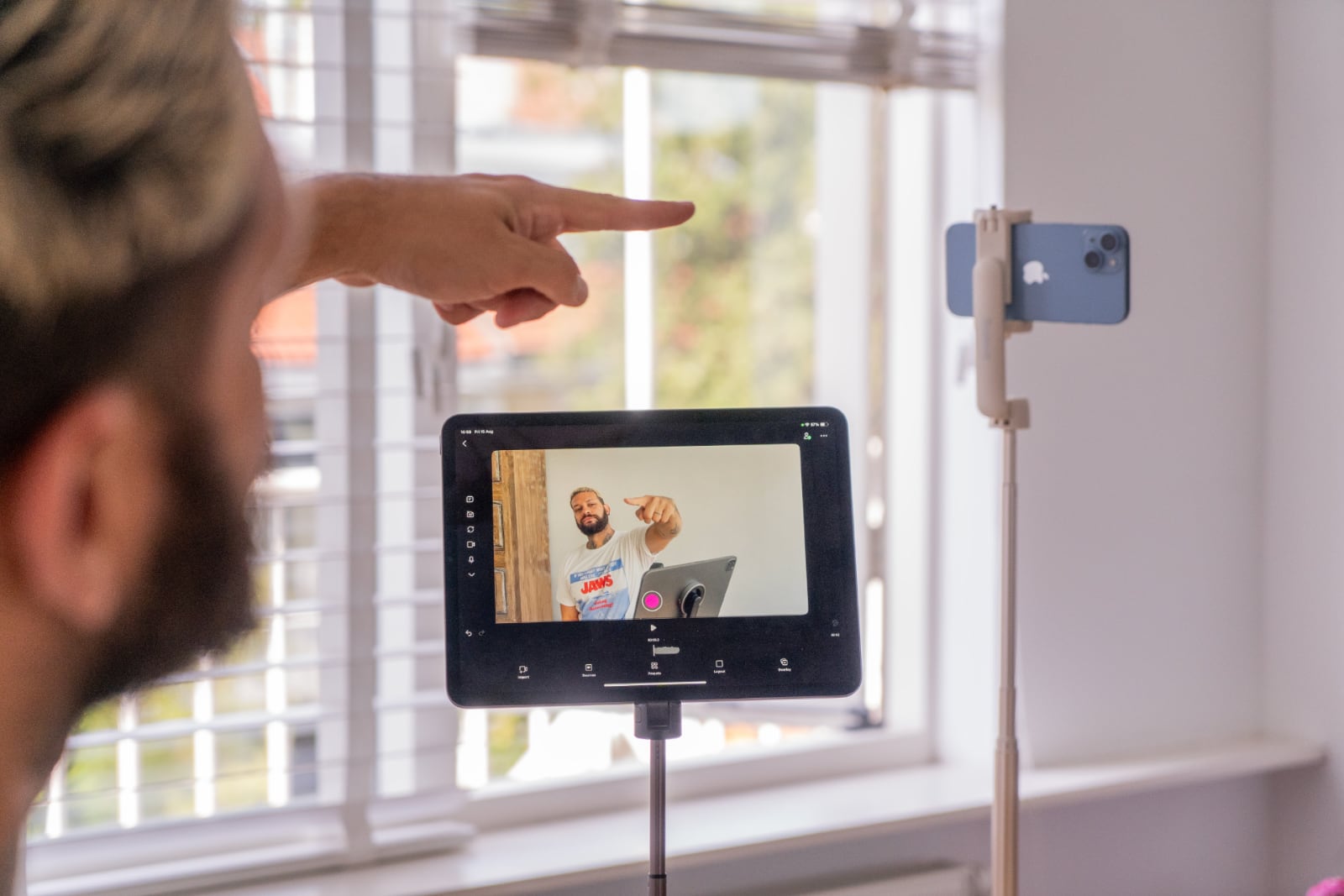
How to Use Your iPad as a Monitor for iPhone Filming
How to Use Your iPad as a Monitor for iPhone Filming
How to connect both devices in the Detail app so you can frame shots perfectly, record with your back camera, and see everything in real time, ideal for creators filming solo.

How to Add Overlays: Add Text, Images, and Drawings in Detail
How to Add Overlays: Add Text, Images, and Drawings in Detail
Learn how to use overlays in the Detail app to add text, drawings, and images directly to your timeline. Easily drag, layer, and adjust visual elements to enhance your videos.
How to Create a Photo Slideshow Video Using Detail
Learn how to import multiple photos into Detail, trim them on the timeline, add music, apply transitions, and turn your images into a polished slideshow video in minutes.
How to Record Presentations with Slides Using Detail
Learn how to record presentation videos using slides in Detail. Import PDFs exported from PowerPoint, Keynote or Canva, record hands-free with the teleprompter, turn presentations into shorts with Auto Edit, and even live stream with slides on iPhone or iPad.
Holiday Audio Guide: Choosing the Right Mic for Your Videos
With the holiday season coming up it's time to talk gear. Microphones to be precise. Sure, Detail will let you record a talking head video perfectly fine with only your iPhone, zero issues.
How to Create Videos With Zero Editing Using Auto Edit
Learn how to turn a single recording into long-form videos and short clips using Auto Edit in the Detail app. This guide shows how to use Auto Edit for talking-head videos and multi-speaker podcasts.
Video Podcast Tutorials
Video Podcast Tutorials
Video Podcast Tutorials
Video Podcast Tutorials
Podcasting made simple and fast – all on your phone.
Podcasting made simple and fast – all on your phone.
Podcasting made simple and fast – all on your phone.

How to Edit Your Videos by Reading a Transcript
How to Edit Your Videos by Reading a Transcript
Scrubbing through a video timeline looking for the parts you want to cut is a pain. With Detail, you can edit your entire video just by reading a transcript and deleting what you don't want.

Use a Second iPhone as a Wireless Monitor for Your Back Camera
Use a Second iPhone as a Wireless Monitor for Your Back Camera
The back camera records the best quality video, but you can't see yourself while filming. Here's how to use a second iPhone as a live wireless monitor so you always know exactly what's in the shot.

How to Remove Filler Words Automatically
How to Remove Filler Words Automatically
Nobody has time to scrub through footage cutting out every "um" and "uh" by hand. Here's the faster way.

How to Record a Four-Person Podcast Using One or Two iPhones
How to Record a Four-Person Podcast Using One or Two iPhones
Recording a podcast with four people doesn’t have to mean expensive gear or complex setups. Here’s exactly how to set it up.

Start a podcast with one iPhone: gear, setup & editing for beginners
Start a podcast with one iPhone: gear, setup & editing for beginners
If you’ve got one iPhone and the Detail app, you’ve got everything you need to record, edit, and publish a full podcast episode — solo or with a guest.

Export the audio from your Podcast in seconds
Export the audio from your Podcast in seconds
Whether you're looking to publish your podcast on audio-only platforms or need to share snippets for promotional purposes, here’s how you can do it effortlessly in Detail.
Reaction Video Tutorials
Reaction Video Tutorials
Reaction Video Tutorials
Reaction Video Tutorials
Make reaction videos in under 15 seconds.
Make reaction videos in under 15 seconds.
Make reaction videos in under 15 seconds.

How to Make a Reaction Video on iPhone Without Editing
How to Make a Reaction Video on iPhone Without Editing
This step-by-step tutorial shows how to import videos from YouTube, TikTok, or Instagram, record your reaction, customize your layout, adjust your background, and clean up your audio.

Import videos from the web to use in your videos
Import videos from the web to use in your videos
With Detail's Import URL feature, you can import any video from the web into Detail to edit, transcribe, or record over.

Record reactions to other videos in seconds
Record reactions to other videos in seconds
With Detail, you can record high-quality reaction videos in just 15 seconds—no extra devices, no complicated editing, and no syncing required.
How to Make a Reaction Video on iPhone Without Editing
This step-by-step tutorial shows how to import videos from YouTube, TikTok, or Instagram, record your reaction, customize your layout, adjust your background, and clean up your audio.
Import videos from the web to use in your videos
With Detail's Import URL feature, you can import any video from the web into Detail to edit, transcribe, or record over.
Record reactions to other videos in seconds
With Detail, you can record high-quality reaction videos in just 15 seconds—no extra devices, no complicated editing, and no syncing required.
Live Streaming Tutorials
Live Streaming Tutorials
Live Streaming Tutorials
Live Streaming Tutorials
Stream to multiple platforms such as YouTube, TikTok and Twitch using your iPhone or iPad.
Stream to multiple platforms such as YouTube, TikTok and Twitch using your iPhone or iPad.
Stream to multiple platforms such as YouTube, TikTok and Twitch using your iPhone or iPad.

How to Live Stream a Reaction Video Using Just Your iPhone
How to Live Stream a Reaction Video Using Just Your iPhone
With just your iPhone, a tripod, and the Detail app, you can live stream reaction videos to platforms like YouTube and Twitch at the same time.

How to Set Up a Live Streaming Studio with iPhone and iPad
How to Set Up a Live Streaming Studio with iPhone and iPad
Build a live streaming setup in minutes using your iPhone, iPad, a capture card, and the Detail app. Perfect for gaming streams, YouTube, or Twitch, this guide shows how to connect your devices, stream to one or two platforms, and customize your layout for a professional look.
How to Live Stream a Reaction Video Using Just Your iPhone
With just your iPhone, a tripod, and the Detail app, you can live stream reaction videos to platforms like YouTube and Twitch at the same time.
How to Set Up a Live Streaming Studio with iPhone and iPad
Build a live streaming setup in minutes using your iPhone, iPad, a capture card, and the Detail app. Perfect for gaming streams, YouTube, or Twitch, this guide shows how to connect your devices, stream to one or two platforms, and customize your layout for a professional look.

scan to download

Sign up for news and resources
Unsubscribe at any time.
Support
© 2026 Detail Technologies B.V. All rights reserved
Sign up for news and resources
Unsubscribe at any time.
Support
© 2026 Detail Technologies B.V. All rights reserved
Sign up for news and resources
Unsubscribe at any time.
Support
© 2026 Detail Technologies B.V. All rights reserved