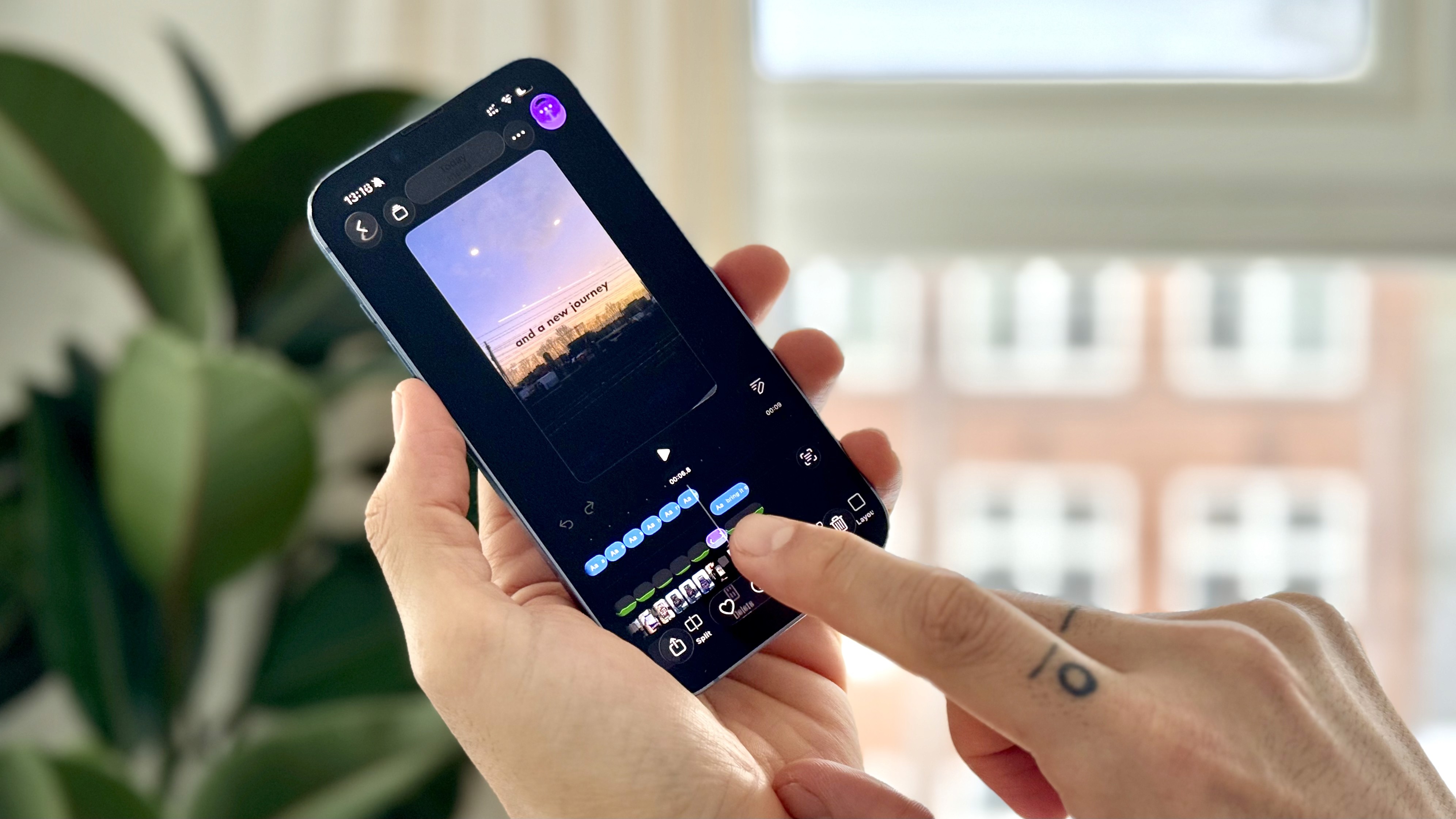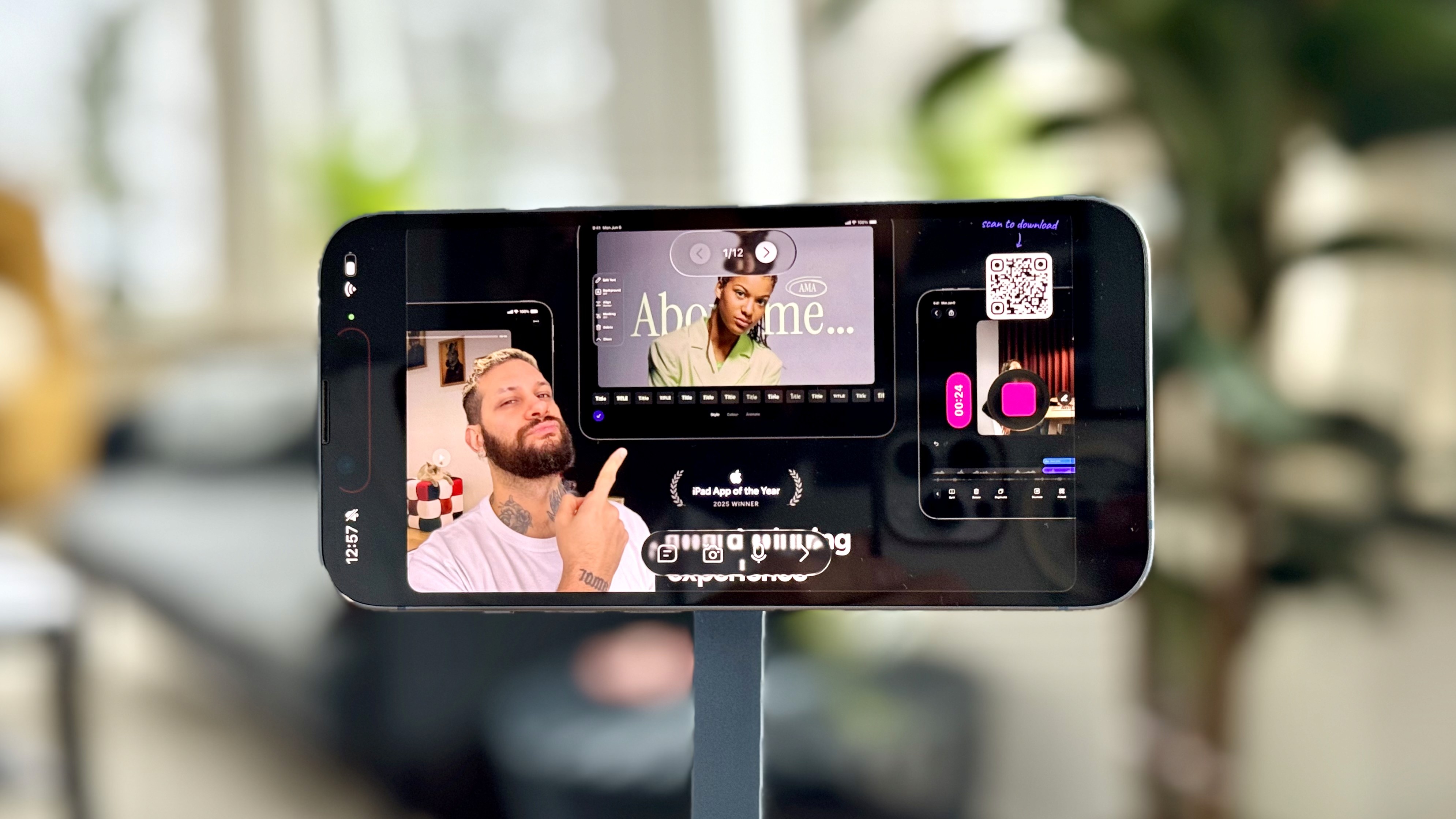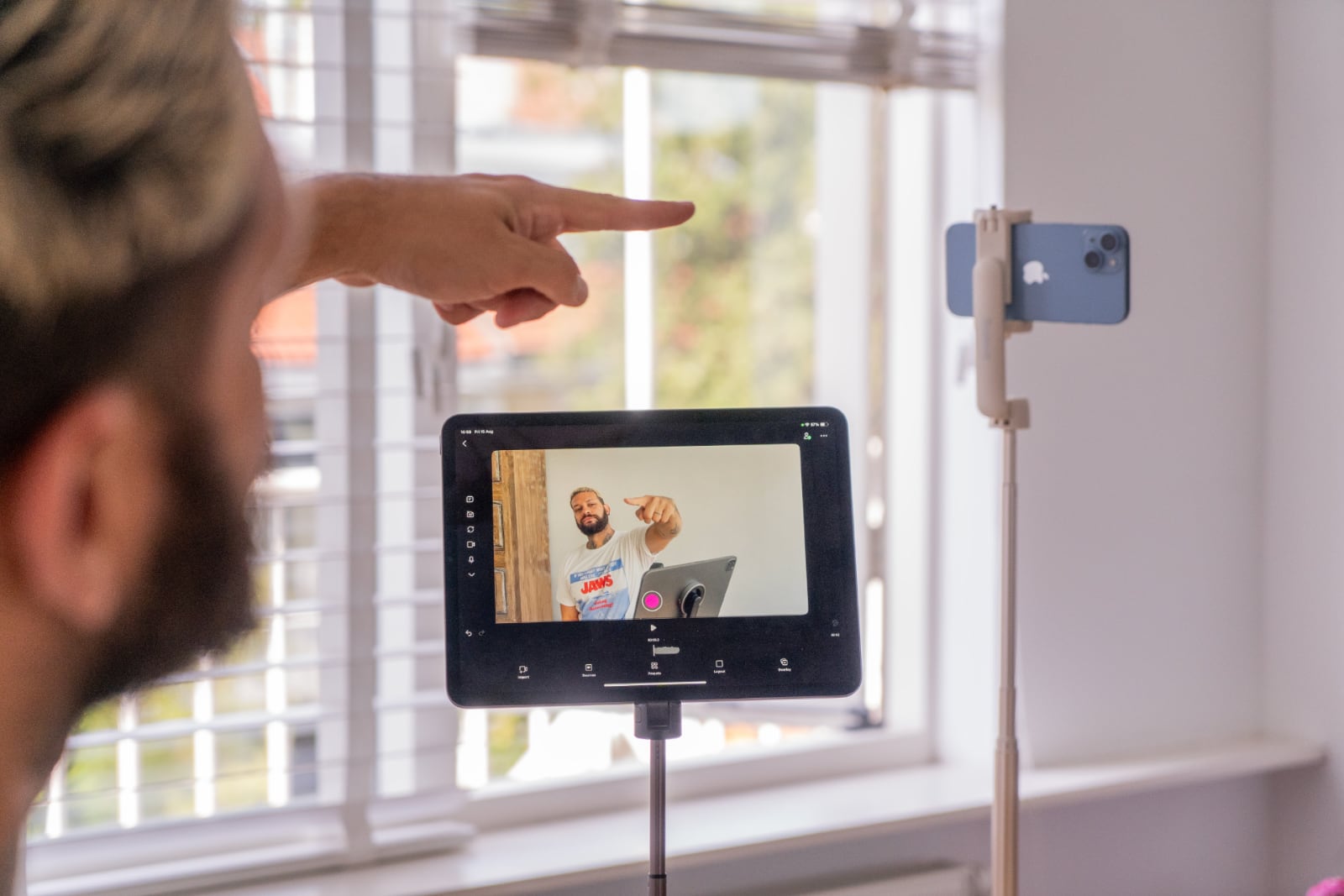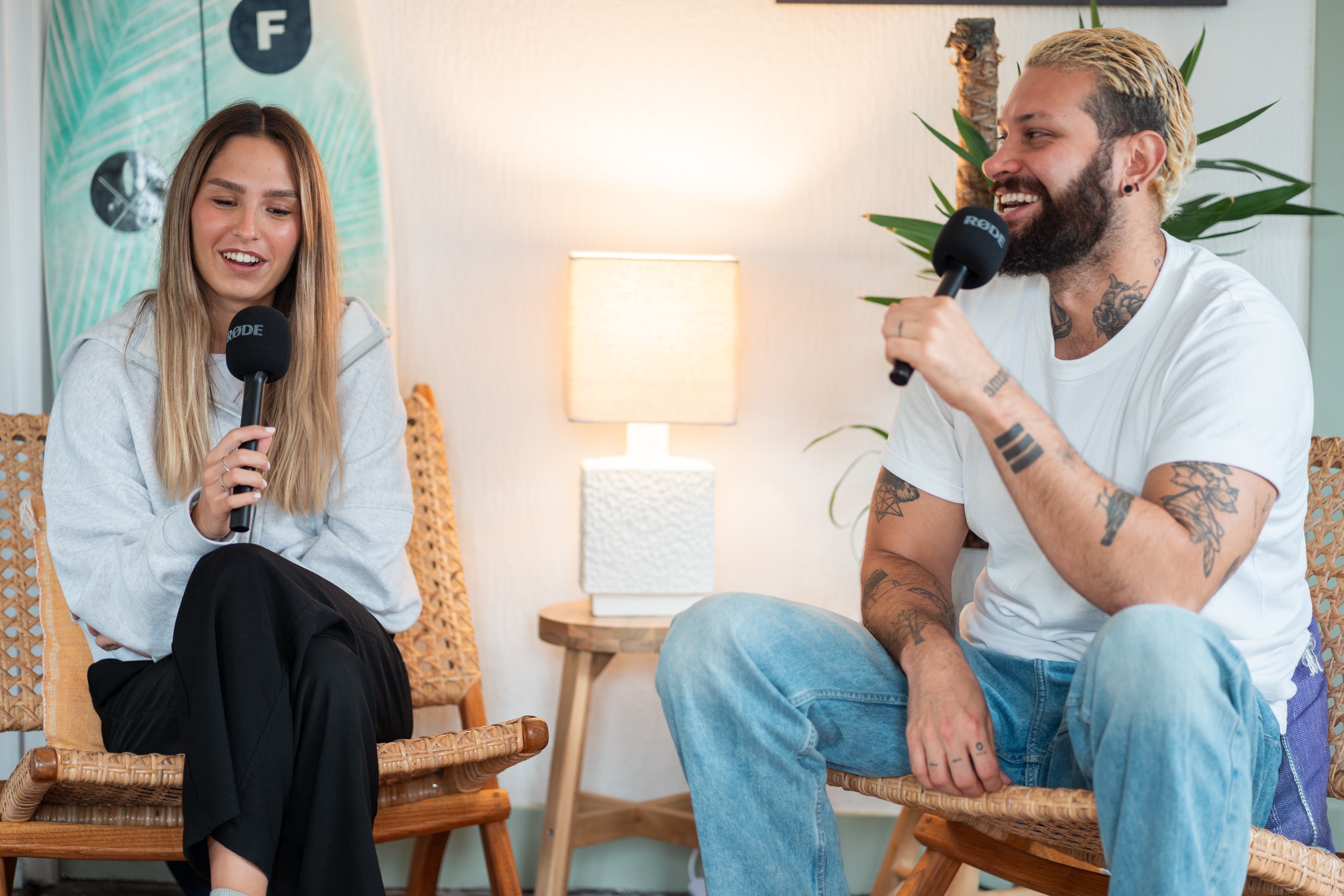
The internal mics of your iPhone work like a charm, but the further away from that mic the harder it will be to make you sound crisp and clean.
If you want to step up your game by improving your audio, this article is for you.
Environmental noise is a big factor also. Stay away from that pesky old refrigerator or AC fan making that buzzing noise. Luckily within Detail we have a noise cancelation option in Detail Pro. Enhancing your audio works, but it's better to prevent than cure!
External mics galore
Okay, you're ready to splurge some money? Where to start? There are a plethora of microphones out there. So which one do you choose? We are here to help!
Roughly there are two microphone flavors: the small lavalier mics OR the bigger ones.
Make a decision: small (lavalier) or big (studio like).
Both flavors have their cheap and expensive variants and both have their advantages and disadvantages. It's important to choose what direction you want to go. the first bit of this article is focused on a studio setup, further down we’ll discuss the mobile (lean) variant.
If your setup is fixed like a proper recording space, setting up bigger microphones might have your preference. Especially with more than 2 guests it might be beneficial, due to the setup which we'll discuss in the next bit of this guide.
Studio setup
Bigger microphone setups come in lots of flavours. Traditionally microphones need to be connected via XLR to an audio recorder (like the Rødecaster Pro II or PodTrack P4).
Both devices can connect 4 microphones and the audio recorder then connects directly to your iPhone (or iPad) via USB-C. No drivers needed, it just works out of the box.
We hear you say, many studio microphones now have USB-C so you can directly connect this microphone to your iOS device. This is correct, but with this route you can only connect one microphone to your iOS device. Since we want to connect multiple studio microphones to your iOS device we need an audio recorder.
So what do we recommend?
Like we said, there is enough choice for the PRO studio setup.
Shure SM7B
The Shure SM7B is the golden standard of podcasting and you'll see them in any big show. It's heavy, it looks incredibly cool, and the audio quality is in a league of its own. They sure (pun intended) sound amazing but with a price tag of around $350–380 they are pretty expensive, especially if you need more than one.
The catch: you can't just plug this into your iPhone. You need an audio interface or recorder with XLR inputs, like the Zoom PodTrak P4 or a Rødecaster. Once connected, you can tune your levels precisely and even run up to four mics for a multi-person podcast.
Price: ~$399
Link: https://a.co/d/dAehc84
Røde PodMic
Røde does a pretty good job making incredibly affordable microphones that sound—and look—good. These mics are a very good entry level for any aspiring podcaster.
It's a dynamic mic, pretty forgiving in less-than-perfect rooms, and pairs great with something like a PodTrack P4 or Rødecaster if you want that "radio style" sound on a budget.
Price: ~$150 (including stand)
Link: https://a.co/d/8OY6VtT
AT2005USB (our all time favorite)
Wow this mic. It's very affordable, sounds good, has USB-C options (for the single creator) and XLR to connect it to an audio recorder. If you want to keep the mic handheld or on an included mic stand, you really can't go wrong with this mic.
Now let's talk about why this one is honestly insane value. The Audio-Technica AT2005 is probably one of the best investments you can make if you're serious about audio quality without going full broadcast studio.
What makes this mic special is its versatility. You can connect it directly to your iPhone with a USB-C cable—just plug it in and hit record—or run it via XLR into an audio recorder when you're ready to level up. The set comes with a little table stand that's not the sturdiest thing in the world, but it does the job and looks pretty cool.
Pro tip: if you're shooting with Detail using two iPhones (multiplayer), you can use one of these mics on each device. Making it arguably one of the best sounding setups!
Use longer cables if you need more distance from your phone. The Audio-Technica needs to be relatively close to your mouth for optimal quality, but that's standard for this type of microphone.
Price: ~$80–150 (depending on region)
Link: https://a.co/d/0k8zLYm
Røde VideoMic Go 2 (single creator)
The second microphone worth mentioning is the Rode VideoMic Go 2. This one's a completely different beast, and honestly, you can't really compare it directly with the ATR2100X.
While the Audio-Technica is more of a handheld/close-up mic, the Røde is highly directional. That's its superpower. You can place it just out of frame on a small stand or even on top of your camera, and still get clean, focused audio from a bit further away.
The audio quality is genuinely professional for the price, and because it's directional, it rejects a lot of room noise. If you want a clean, minimal setup with the mic off-camera, this is a killer option.
Price: ~$100
Link: https://a.co/d/fbvjLnN
Audio Recorders
Do realize going this route (the studio route) you'll need an external audio recorder. Here are three solid options that work great with Detail:
Rødecaster Pro II
The Rødecaster Pro II is the premium all-in-one solution. It's an integrated audio production studio that handles everything—four XLR inputs with professional-grade Revolution Preamps, customizable sound pads, and touchscreen interface. It connects directly to your iPhone via USB-C and makes you feel like you're running a proper broadcast studio.
As this might feel a bit much for your setup, if you have multiple guests and you want to use external microphones for your podcast this is the way to go.
Price: ~$699–999
Link: https://a.co/d/gh6jHFc
Zoom PodTrak P4
The PodTrak P4 is the budget-friendly workhorse. Don't let the price fool you though—it's incredibly capable. Four XLR inputs, four headphone outputs (each with its own volume control), and programmable sound pads for jingles and effects. It runs on AA batteries, so you can take it anywhere. Plus it has built-in mix-minus for call-in guests. This is the sweet spot for most podcasters who want professional quality without breaking the bank.
Price: ~$169–219
Link: https://a.co/d/9Ro4jr8
Tascam Portacapture X8
The Portacapture X8 is the tech-forward option with 32-bit float recording—meaning you basically can't clip your audio even if you try. It has four mic/line inputs, built-in mics, and a smartphone-style touchscreen with app-like presets. Great if you're doing field recording, music recording, or just want that extra technical edge. It's portable, powerful, and sits right in the middle price-wise.
Price: ~$399
Link: https://a.co/d/diqfwy6
Conclusion on the studio setup:
Let's be real for a second. Studio setups can get expensive fast. Here's a quick reality check:
Say you want to go all-in with the golden standard setup—four Shure SM7B mics (for you and three guests) plus a Rødecaster Pro II:
4× Shure SM7B mics: ~$1,400–1,520
1× Rødecaster Pro II: ~$850
Total: ~$2,250+
And that's before you even think about XLR cables, mic stands, boom arms, headphones for everyone, and maybe some acoustic treatment for your space. You're easily looking at $2,500–3,000 for a proper four-person podcast studio.
Don't get me wrong—the audio quality is incredible. But that's a serious investment.
For most creators, especially when you're just starting out, wireless microphones make way more sense. You get great audio, zero cable mess, and you're spending a fraction of the cost.
Staying lean and mean (and maybe not break the bank)
Ok, I don't want a studio setup. I want to stay lean and mean. Luckily we tested a ton of good wireless options for you to get started.
Same applies here: there is an abundance of choice. You can go as cheap as $40 for a set of Boyas, but we wouldn't cheap out on the very bottom-tier sets. Here's a list of our best picks:
Boya V20
A tiny, super-portable wireless kit that plugs straight into your iPhone and gives you two little clip-on transmitters. Perfect if you just want something that works out of the box for interviews or quick talking head videos without spending a fortune. Range and build are "good enough" for most casual creators, which makes it a solid entry point into wireless.
Price: ~$30
Link: https://a.co/d/hFZFGFb
DJI Mic Mini / DJI Mic 2
Think of this as the more polished, more premium wireless option. You get two transmitters, a compact receiver that you can plug into your phone or camera, great range and battery life, and handy extras like onboard recording and safety tracks on the newer Mic 2.
Price: ~$99–329 (Mini starts at $99, Mic 2 around $219–329)
Link: https://a.co/d/gNaBNGo
Hollyland Lark 2 Combo
The Hollyland Lark combo is what we used for the video referenced at the top of this article. It's not the cheapest, but it's incredibly solid. You get two microphones and a receiver that plugs directly into your iPhone or iPad, and it just works. No pairing drama, no weird setup.
You get long battery life, smart noise cancelation and a surprisingly big range for such a tiny kit. Clip the mic on, drop the receiver in your phone, open Detail and you're basically done.
Price: ~$199
Link: https://a.co/d/4tvCsPZ
Hollyland Lark M2
This setup is more basic but costs a fraction of the Lark M2 combo. The best part of this wireless set is the incredibly small, low-key microphones.
Price: ~$86
Link: https://a.co/d/5Ne5q2y
DJI Mic 3
The DJI Mic 3 is very comparable to the Hollyland Lark M2 series in terms of features and performance. Both offer excellent range, reliable battery life, and polished noise cancelation. If you're recording interviews, events or client work, either system will give you that extra reliability and backup recording capability you need.
Price: ~$149–329 (single transmitter $149, dual transmitter combo $329)
Link: https://a.co/d/3g9QFZI
Both the Hollyland M2 Combo and DJI Mic 3 offer a 4-mic 1-receiver option. This allows you to have even more guests on your podcast, opening up a whole other level and potentially ruling out the need for a (4 person) studio setup described at the top of this article.
Making Your Choice
So what's the best setup for you? It really depends on what you're creating, and what your budget looks like:
Audio-Technica AT2005: Best value all-rounder. Versatile with both USB-C and XLR. Great if you're just starting out or shooting with multiple devices.
Rode VideoMic Go II: Best for clean, professional setups where you want the mic off-camera. Directional pickup means great audio from a bit further away.
Wireless systems (Boya, Hollyland, DJI): If you need freedom of movement, these give you mobility and super simple setups straight into your iPhone or iPad.
Shure SM7B + Audio recorder: The professional choice. If you're serious about podcasting or want broadcast-quality audio, this is where you end up—just know you're looking at $600+ with all the necessary gear and cables to even get started with only one microphone.
The setup gets bigger and messier as you go up the ladder—more cables, more equipment, more complexity. But the audio quality scales right along with it.
Start where you are, with what fits your content and budget. The best part: whatever choice you make, once your recording is done, Detail will happily take it from there.
Happy Holidays! 🎄