Detail Academy COURSE
Detail Academy COURSE
Getting Started
Getting Started
Getting Started
New to Detail? This Getting Started series walks you through the essentials so you can confidently record, edit, and share videos using your iPhone or iPad.
New to Detail? This Getting Started series walks you through the essentials so you can confidently record, edit, and share videos using your iPhone or iPad.
New to Detail? This Getting Started series walks you through the essentials so you can confidently record, edit, and share videos using your iPhone or iPad.
What you’ll learn
How to navigate the Detail app and understand the main workflows
How to record, edit, and export your first video
How to use layouts and overlays to customize your videos
How to read scripts with the teleprompter and add captions
How to add voiceovers and background music
How to create reaction videos, including faceless reactions
How to record podcasts and interviews with remote guests
How to record podcasts and interviews with guests in the same room
How to use Auto Edit to create polished videos and short clips
How to live stream to one or multiple platforms
How to use your iPad to record, edit, and monitor videos
This series is designed to help you get up and running quickly, whether you’re creating content for social media, podcasts, presentations, or live streams.
Now that you know what you’ll learn, it’s time to begin. Start with the first article and follow the series at your own pace.
All Lessons
All Lessons
All Lessons
All Lessons
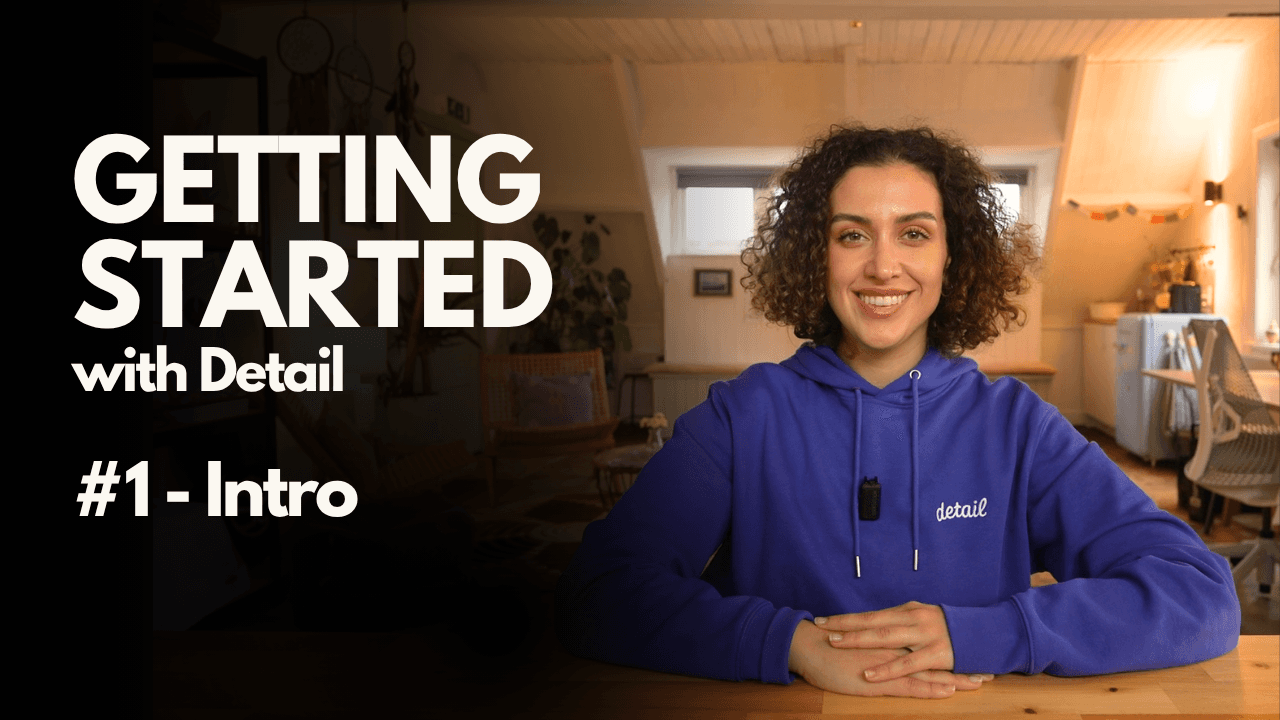
Getting Started #1: A Quick Tour of Detail on iPhone and iPad
Getting Started #1: A Quick Tour of Detail on iPhone and iPad
Getting Started #1: A Quick Tour of Detail on iPhone and iPad
Getting Started #1: A Quick Tour of Detail on iPhone and iPad
A simple walkthrough of the Detail app so you can learn where everything is, understand the main workflows, and get ready to record your first video on iPhone or iPad.
A simple walkthrough of the Detail app so you can learn where everything is, understand the main workflows, and get ready to record your first video on iPhone or iPad.
A simple walkthrough of the Detail app so you can learn where everything is, understand the main workflows, and get ready to record your first video on iPhone or iPad.
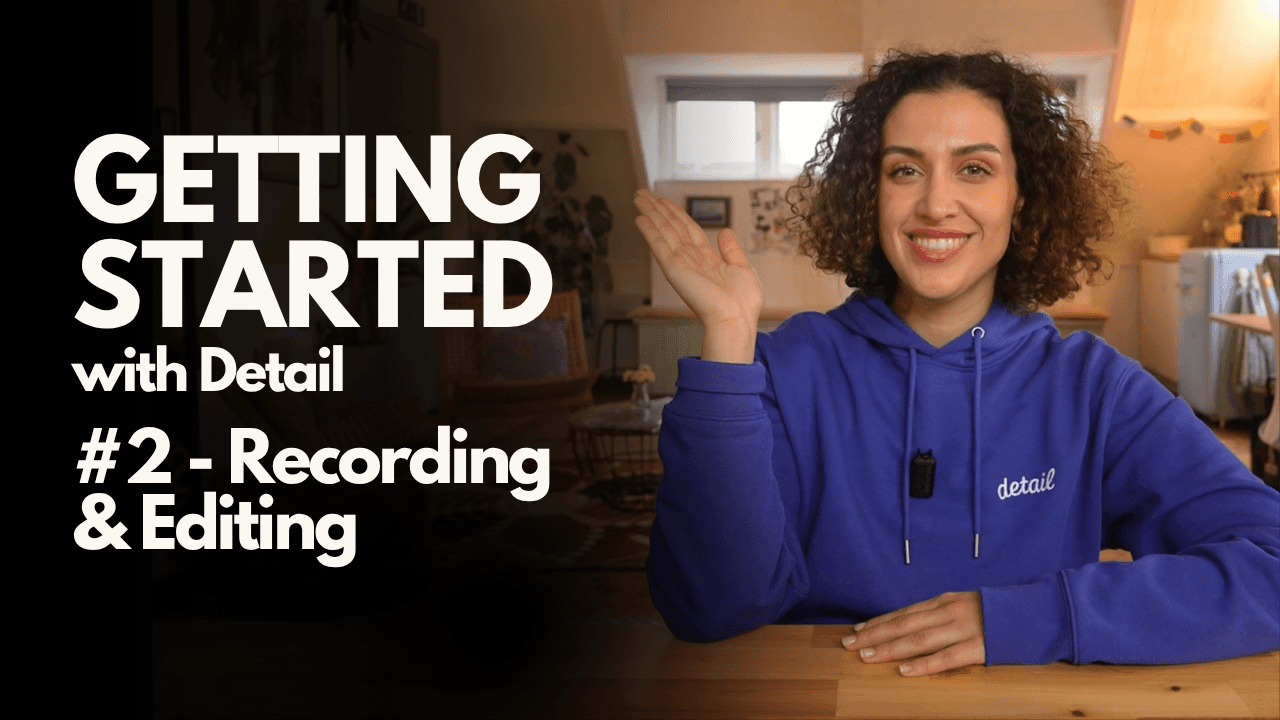
Getting Started #2: How to Record, Edit and Share Your First Video
Getting Started #2: How to Record, Edit and Share Your First Video
Getting Started #2: How to Record, Edit and Share Your First Video
Getting Started #2: How to Record, Edit and Share Your First Video
Learn how to record, edit and share your very first video in Detail using simple tools like layouts, clip editing and easy exporting on iPhone or iPad.
Learn how to record, edit and share your very first video in Detail using simple tools like layouts, clip editing and easy exporting on iPhone or iPad.
Learn how to record, edit and share your very first video in Detail using simple tools like layouts, clip editing and easy exporting on iPhone or iPad.
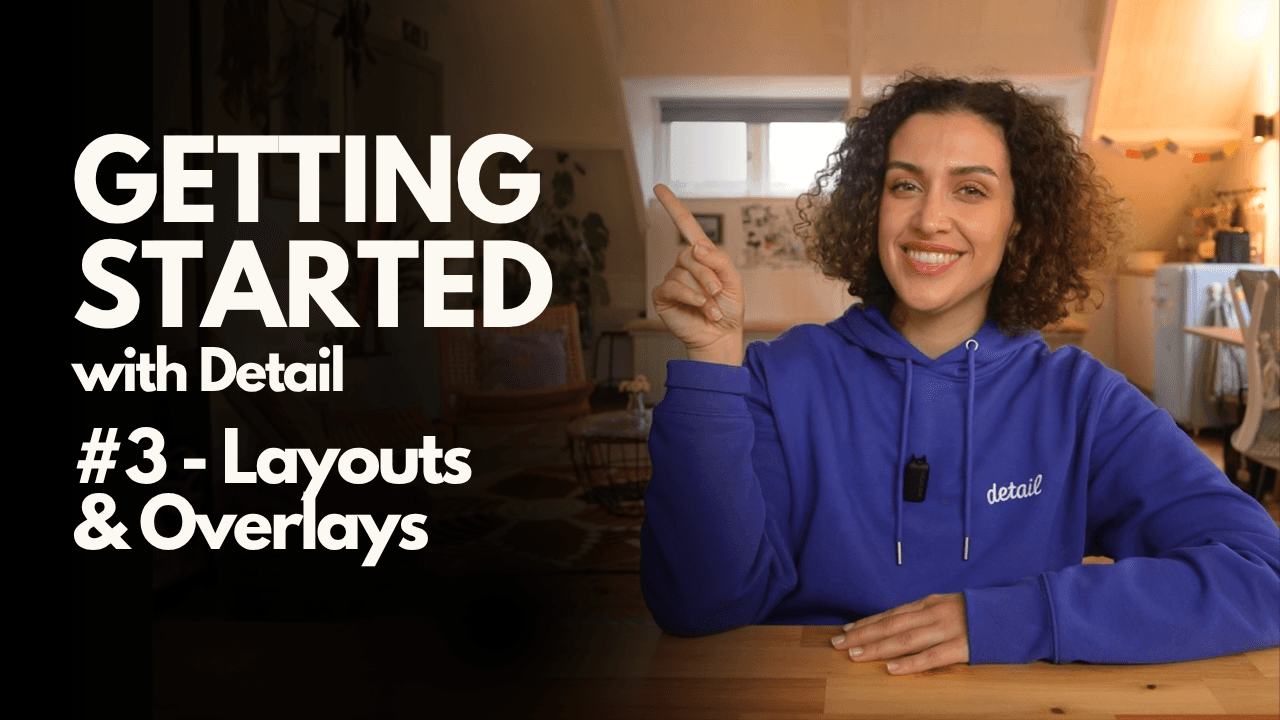
Getting Started #3: How to Use Layouts and Overlays in Detail
Getting Started #3: How to Use Layouts and Overlays in Detail
Getting Started #3: How to Use Layouts and Overlays in Detail
Getting Started #3: How to Use Layouts and Overlays in Detail
Learn how to use layouts, sources, shapes, shadows and overlays to make your videos more dynamic, clear and engaging on iPhone or iPad.
Learn how to use layouts, sources, shapes, shadows and overlays to make your videos more dynamic, clear and engaging on iPhone or iPad.
Learn how to use layouts, sources, shapes, shadows and overlays to make your videos more dynamic, clear and engaging on iPhone or iPad.
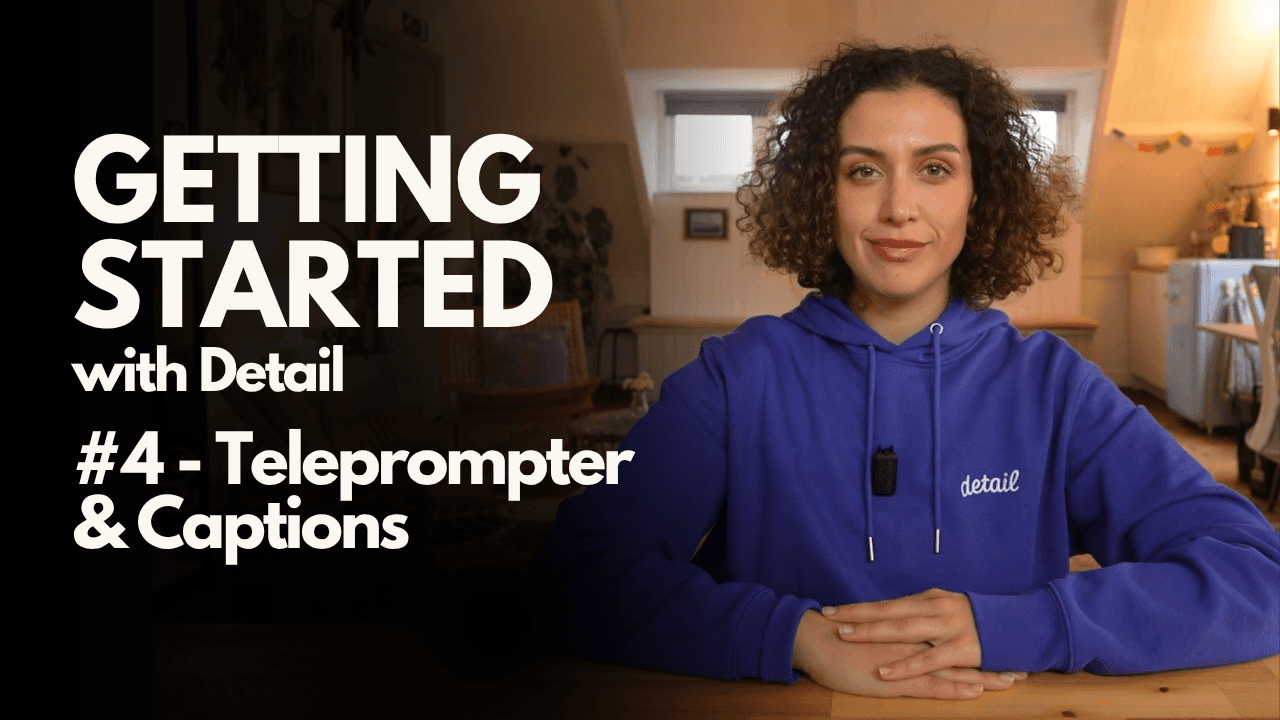
Getting Started #4: How to Use the Teleprompter and Captions in Detail
Getting Started #4: How to Use the Teleprompter and Captions in Detail
Getting Started #4: How to Use the Teleprompter and Captions in Detail
Getting Started #4: How to Use the Teleprompter and Captions in Detail
Learn how to use Detail’s built-in teleprompter, generate scripts with AI, and customize captions to make your videos clearer, more polished and more accessible.
Learn how to use Detail’s built-in teleprompter, generate scripts with AI, and customize captions to make your videos clearer, more polished and more accessible.
Learn how to use Detail’s built-in teleprompter, generate scripts with AI, and customize captions to make your videos clearer, more polished and more accessible.
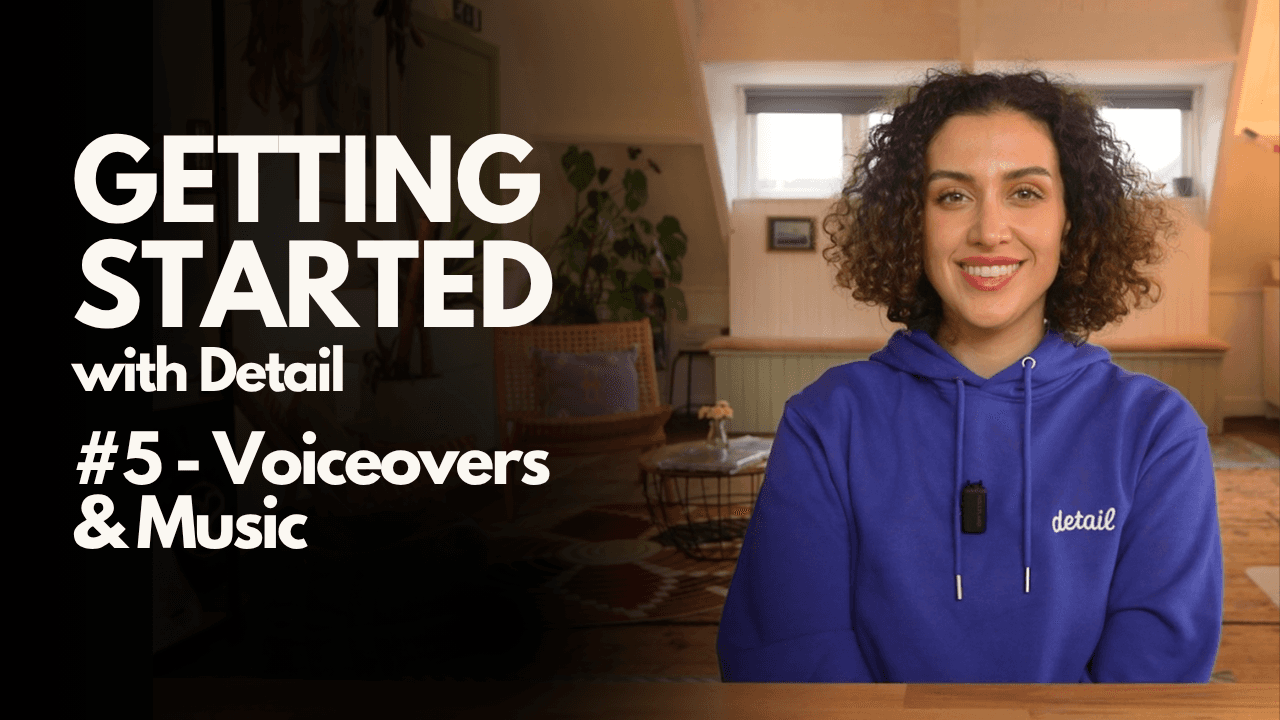
Getting Started #5: How to Add Voiceovers and Music
Getting Started #5: How to Add Voiceovers and Music
Getting Started #5: How to Add Voiceovers and Music
Getting Started #5: How to Add Voiceovers and Music
Learn how to add voiceovers and background music to your videos to make them more dynamic, clear, and polished on iPhone or iPad.
Learn how to add voiceovers and background music to your videos to make them more dynamic, clear, and polished on iPhone or iPad.
Learn how to add voiceovers and background music to your videos to make them more dynamic, clear, and polished on iPhone or iPad.
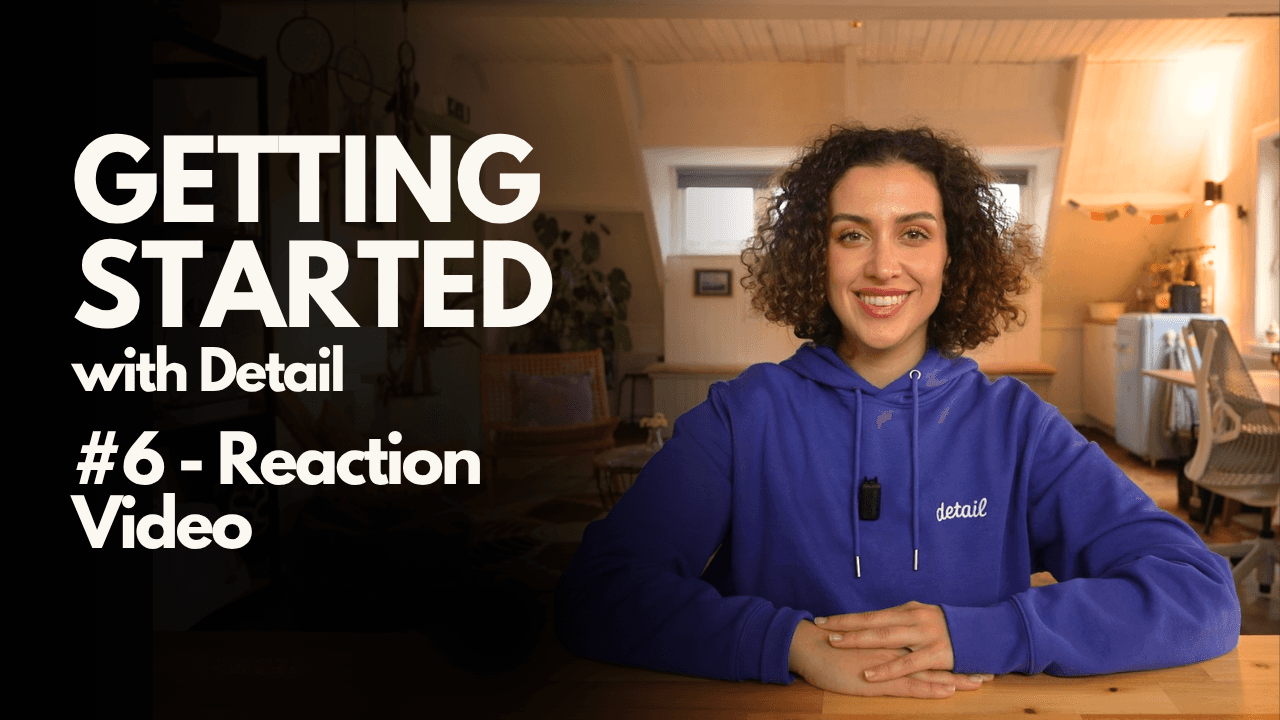
Getting Started #6: How to Create a Reaction Video
Getting Started #6: How to Create a Reaction Video
Getting Started #6: How to Create a Reaction Video
Getting Started #6: How to Create a Reaction Video
Learn how to create reaction videos by importing clips, controlling playback while recording, choosing layouts, balancing audio, and even recording faceless reactions.
Learn how to create reaction videos by importing clips, controlling playback while recording, choosing layouts, balancing audio, and even recording faceless reactions.
Learn how to create reaction videos by importing clips, controlling playback while recording, choosing layouts, balancing audio, and even recording faceless reactions.
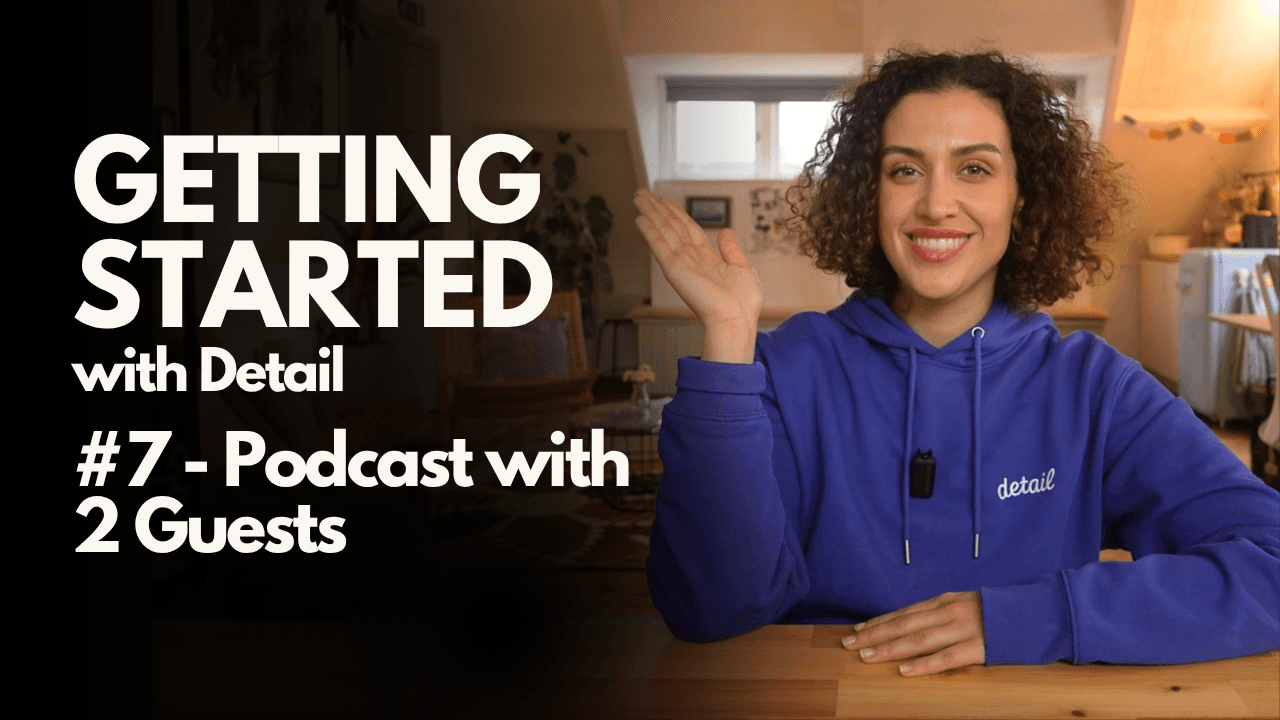
Getting Started #7: How to Record a Podcast or Interview with Remote Guests
Getting Started #7: How to Record a Podcast or Interview with Remote Guests
Getting Started #7: How to Record a Podcast or Interview with Remote Guests
Getting Started #7: How to Record a Podcast or Interview with Remote Guests
Learn how to record podcasts or interviews with two or more remote guests, send invite links, choose layouts, and capture high-quality audio and video even when guests join from a browser.
Learn how to record podcasts or interviews with two or more remote guests, send invite links, choose layouts, and capture high-quality audio and video even when guests join from a browser.
Learn how to record podcasts or interviews with two or more remote guests, send invite links, choose layouts, and capture high-quality audio and video even when guests join from a browser.
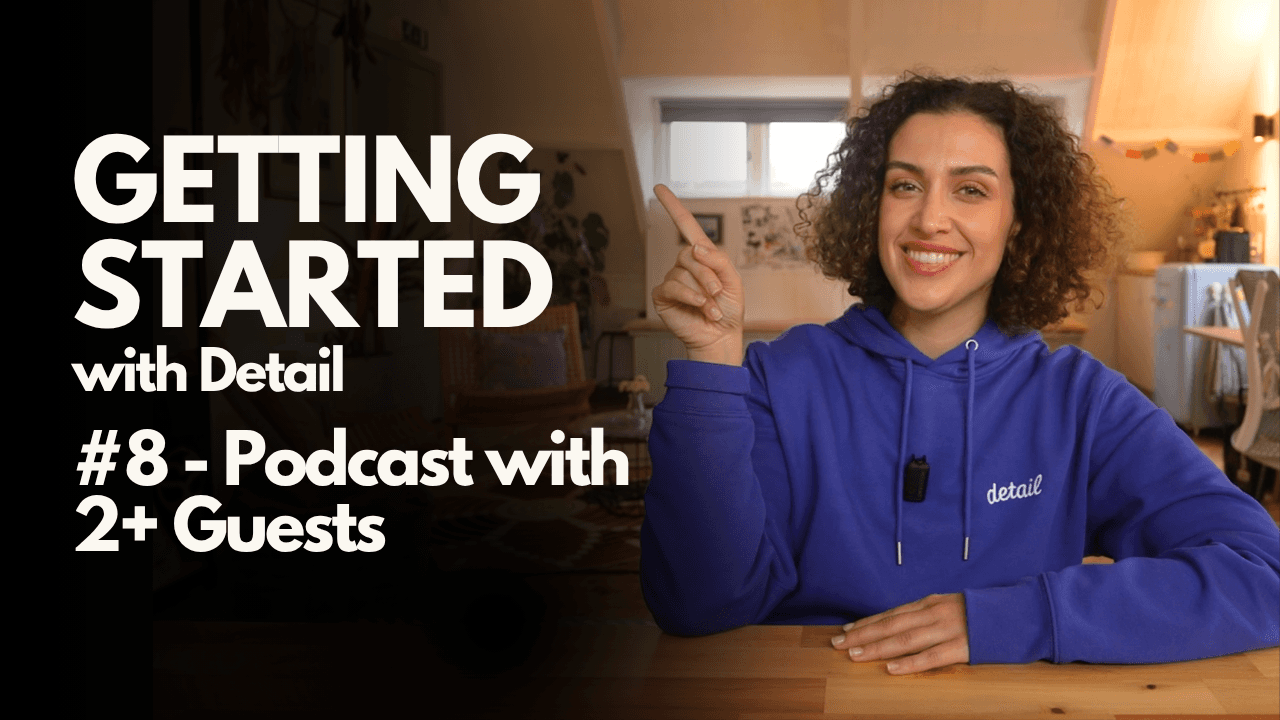
Getting Started #8: How to Record a Podcast with Guests in the Same Room
Getting Started #8: How to Record a Podcast with Guests in the Same Room
Getting Started #8: How to Record a Podcast with Guests in the Same Room
Getting Started #8: How to Record a Podcast with Guests in the Same Room
Learn the different ways to record podcasts or interviews with two or more guests in the same room using one or multiple iPhones or iPads, including multi-angle setups.
Learn the different ways to record podcasts or interviews with two or more guests in the same room using one or multiple iPhones or iPads, including multi-angle setups.
Learn the different ways to record podcasts or interviews with two or more guests in the same room using one or multiple iPhones or iPads, including multi-angle setups.
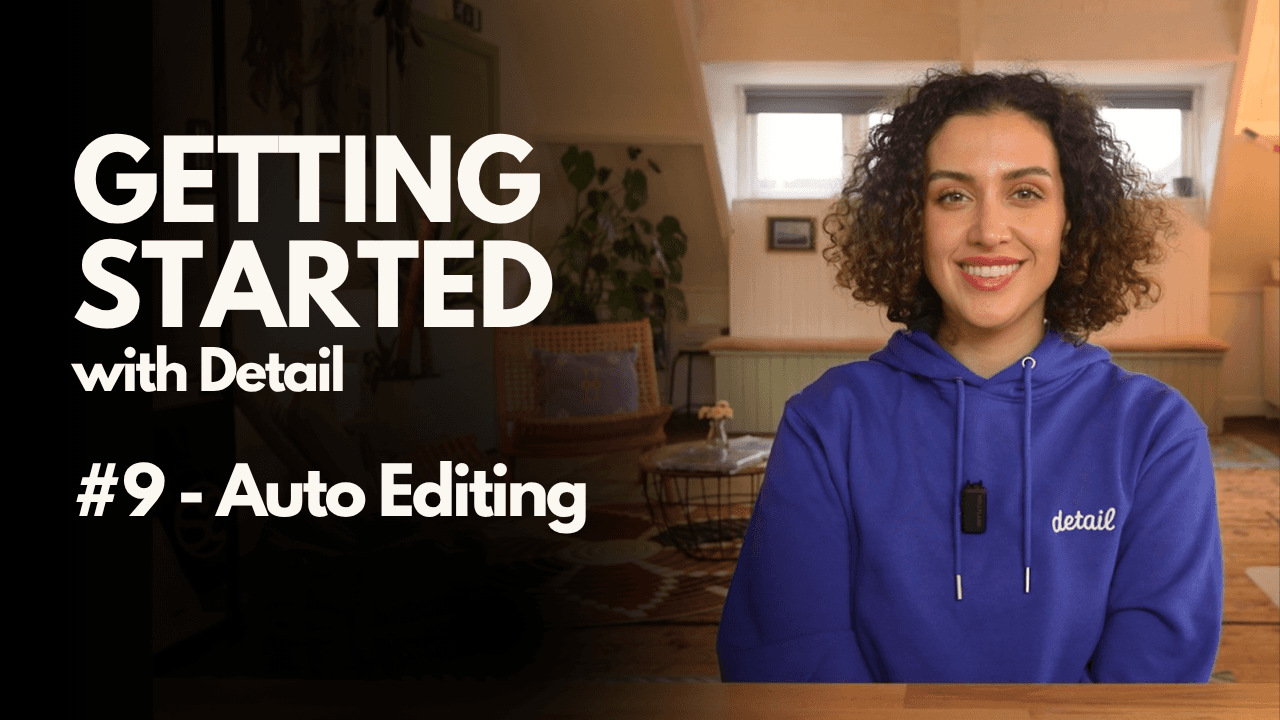
Getting Started #9: How to Use Auto Edit for Podcasts and Talking Head Videos
Getting Started #9: How to Use Auto Edit for Podcasts and Talking Head Videos
Getting Started #9: How to Use Auto Edit for Podcasts and Talking Head Videos
Getting Started #9: How to Use Auto Edit for Podcasts and Talking Head Videos
Learn how to use Auto Edit to turn raw recordings into ready-to-share videos, including podcasts, interviews, and talking head content, all in just a few steps.
Learn how to use Auto Edit to turn raw recordings into ready-to-share videos, including podcasts, interviews, and talking head content, all in just a few steps.
Learn how to use Auto Edit to turn raw recordings into ready-to-share videos, including podcasts, interviews, and talking head content, all in just a few steps.
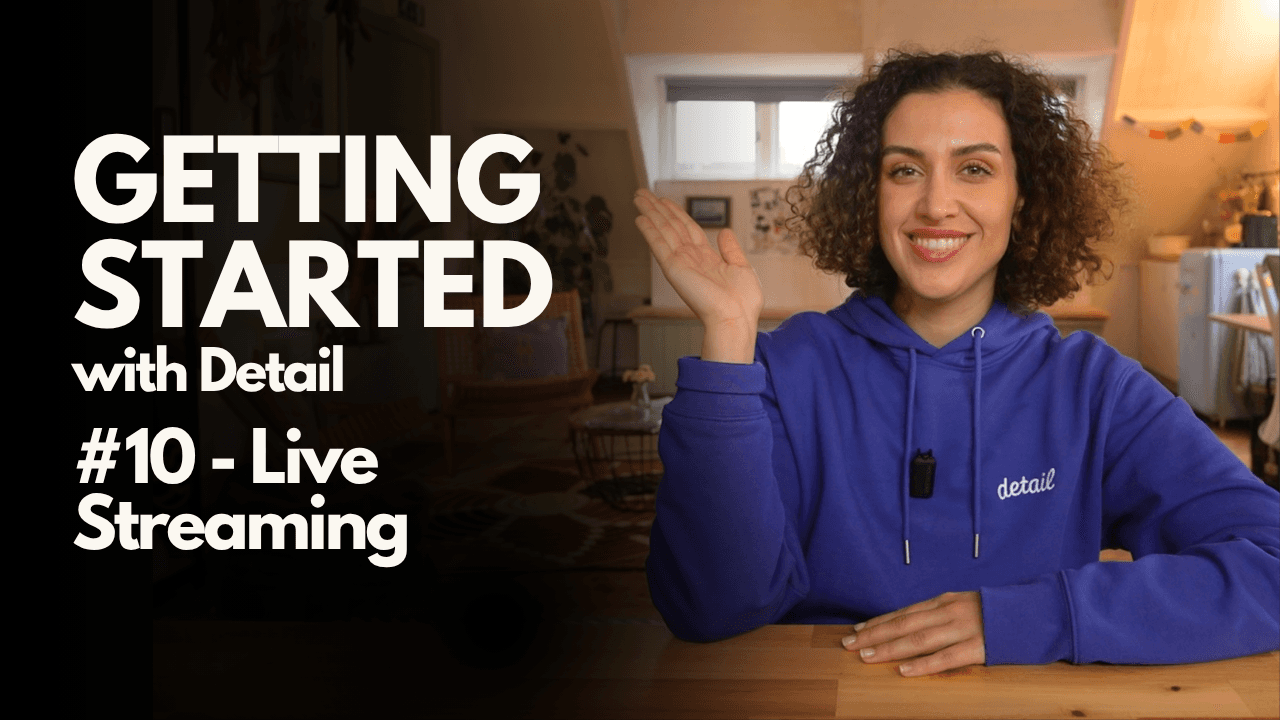
Getting Started #10: How to Go Live and Stream to Multiple Platforms
Getting Started #10: How to Go Live and Stream to Multiple Platforms
Getting Started #10: How to Go Live and Stream to Multiple Platforms
Getting Started #10: How to Go Live and Stream to Multiple Platforms
Learn how to live stream using your iPhone or iPad, stream to one or two platforms at the same time, choose the right format, and customize your layout before going live.
Learn how to live stream using your iPhone or iPad, stream to one or two platforms at the same time, choose the right format, and customize your layout before going live.
Learn how to live stream using your iPhone or iPad, stream to one or two platforms at the same time, choose the right format, and customize your layout before going live.
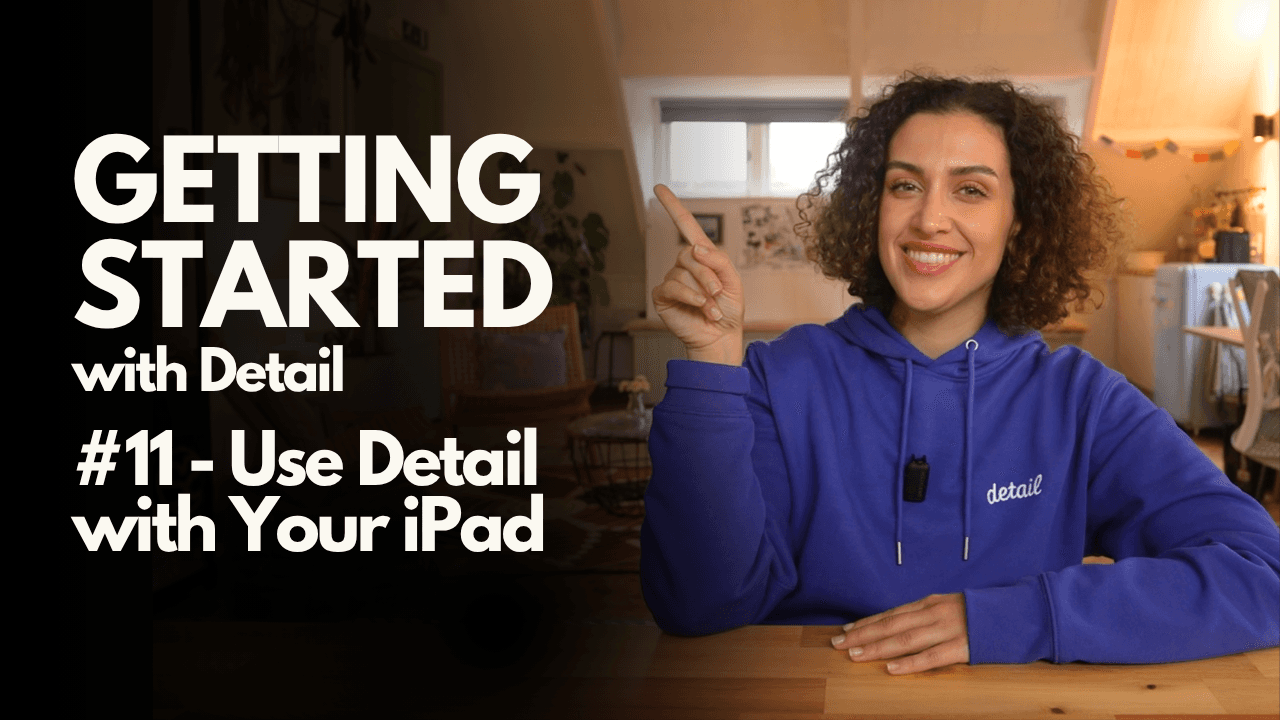
Getting Started #11: How to Use Your iPad with Detail
Getting Started #11: How to Use Your iPad with Detail
Getting Started #11: How to Use Your iPad with Detail
Getting Started #11: How to Use Your iPad with Detail
Learn how to use your iPad with Detail as a monitor, second camera, editing workspace, and drawing surface to make recording, editing, and presenting easier.
Learn how to use your iPad with Detail as a monitor, second camera, editing workspace, and drawing surface to make recording, editing, and presenting easier.
Learn how to use your iPad with Detail as a monitor, second camera, editing workspace, and drawing surface to make recording, editing, and presenting easier.

Sign up for news and resources
Unsubscribe at any time.
Support
© 2026 Detail Technologies B.V. All rights reserved
Sign up for news and resources
Unsubscribe at any time.
Support
© 2026 Detail Technologies B.V. All rights reserved
Sign up for news and resources
Unsubscribe at any time.
Support
© 2026 Detail Technologies B.V. All rights reserved