Aug 21, 2026

You don't need a fancy camera, a ring light, or a full studio setup to start making YouTube videos. Your phone is genuinely all you need to get started. Here's exactly how to film your first video, step by step, with one app and a rough script.
What you need
Just two things: your phone and the Detail app. Download Detail from the App Store before you start.
Step 1: Write a rough script
Before you open the app, write down what you want to say. It doesn't need to be perfect or word for word. Just enough so you know your main points and you're not staring blankly at the camera wondering what to say next. Do it in your notes app, on your laptop, wherever is easiest.
Step 2: Open Detail and start a new project
Open Detail, tap New Project and you're in. From here, tap the Teleprompter feature on the screen and paste your script in.
Step 3: Set up the Teleprompter
Once your script is in, you'll see a few options for how it scrolls. You can set it to manual, automatic, or voice tracking. Go with voice tracking. Instead of scrolling at a fixed speed, it follows your voice as you talk. If you pause, it pauses. If you speed up, it keeps up. It takes all the guesswork out of reading on camera and makes it feel a lot more natural.
Step 4: Hit record and read your script
Flip to your selfie camera, hit record and read through your script. Because the Teleprompter is right there on your screen, you're not looking down or losing your place. It feels like you're just talking straight to whoever is watching.
You're probably not going to nail it on the first take and that's completely fine. If you mess up mid sentence, just pause, go back a few words and keep going. Nobody is watching you film this so there's no pressure to get it perfect straight away.
Step 5: Edit inside Detail
Once you're done, you don't need to switch apps. You can trim and cut your video right inside Detail. If editing feels overwhelming, use the Auto Edit feature on your timeline. It'll go through your footage, remove dead air, clean up the pacing and hand you back a solid edited video with no editing experience required. It also adds captions and can create a shorter version of your video if you want to post it somewhere else too.
That's it. A rough script, your phone, and the Teleprompter with voice tracking on. That's a simple free way to film every YouTube video from here on out.
Ready to start? Get Detail for free on iOS and film your first YouTube video today.


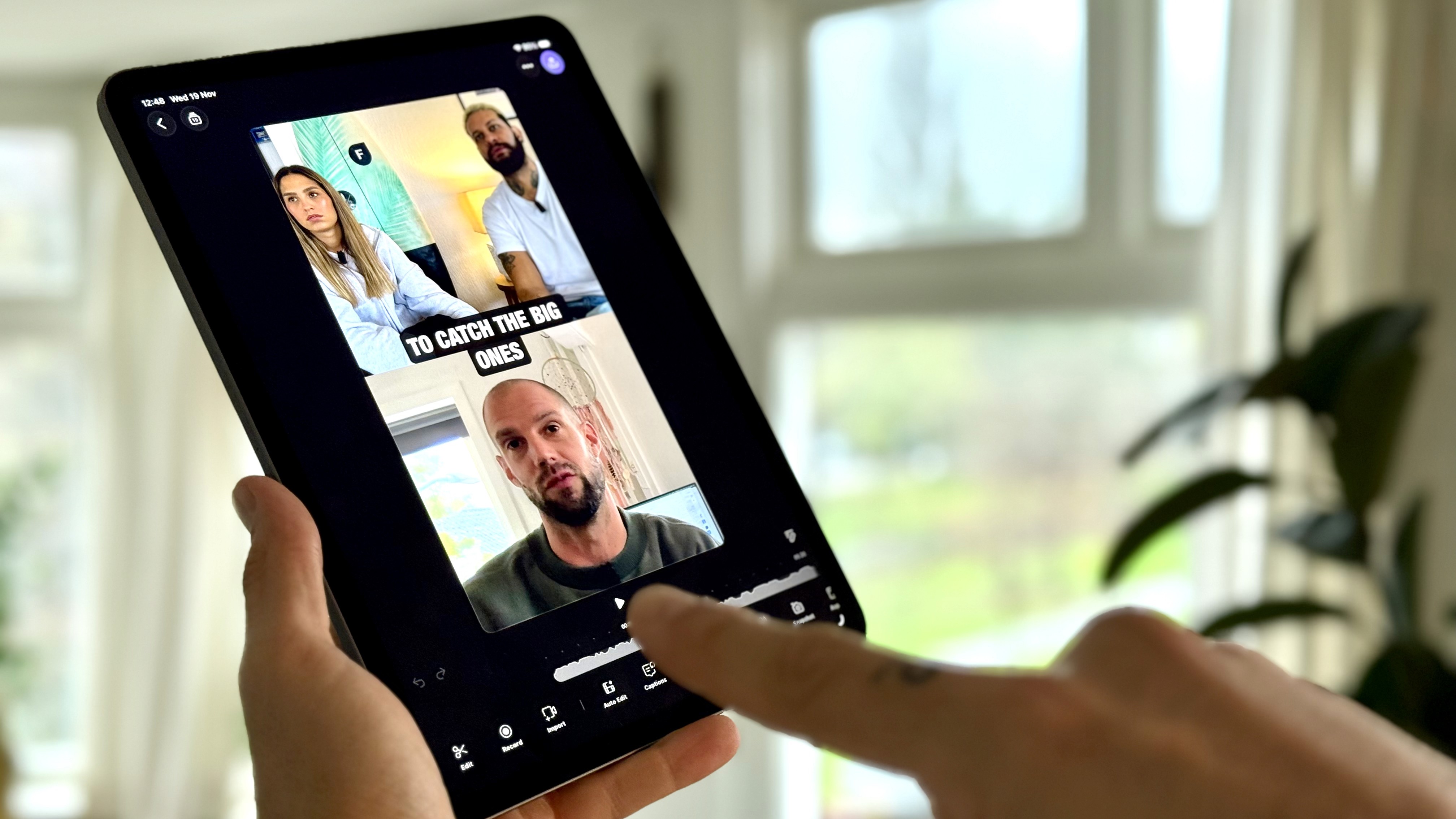
Detail is the iPad App of the Year. Here are 5 incredible things you can do with it.
Dec 4, 2025

How to Repurpose Your Videos: Turn One Recording Into Shorts, Thumbnails, Blog Posts, and Audio Podcast
Aug 29, 2025

iPhone Live Streaming Guide: React to YouTube, TikTok, or Instagram Videos in Real Time
Aug 21, 2025

How to Extract Audio from Any Video on Your iPhone
Apr 17, 2025