By
Tima Fofana
on
Apr 15, 2024
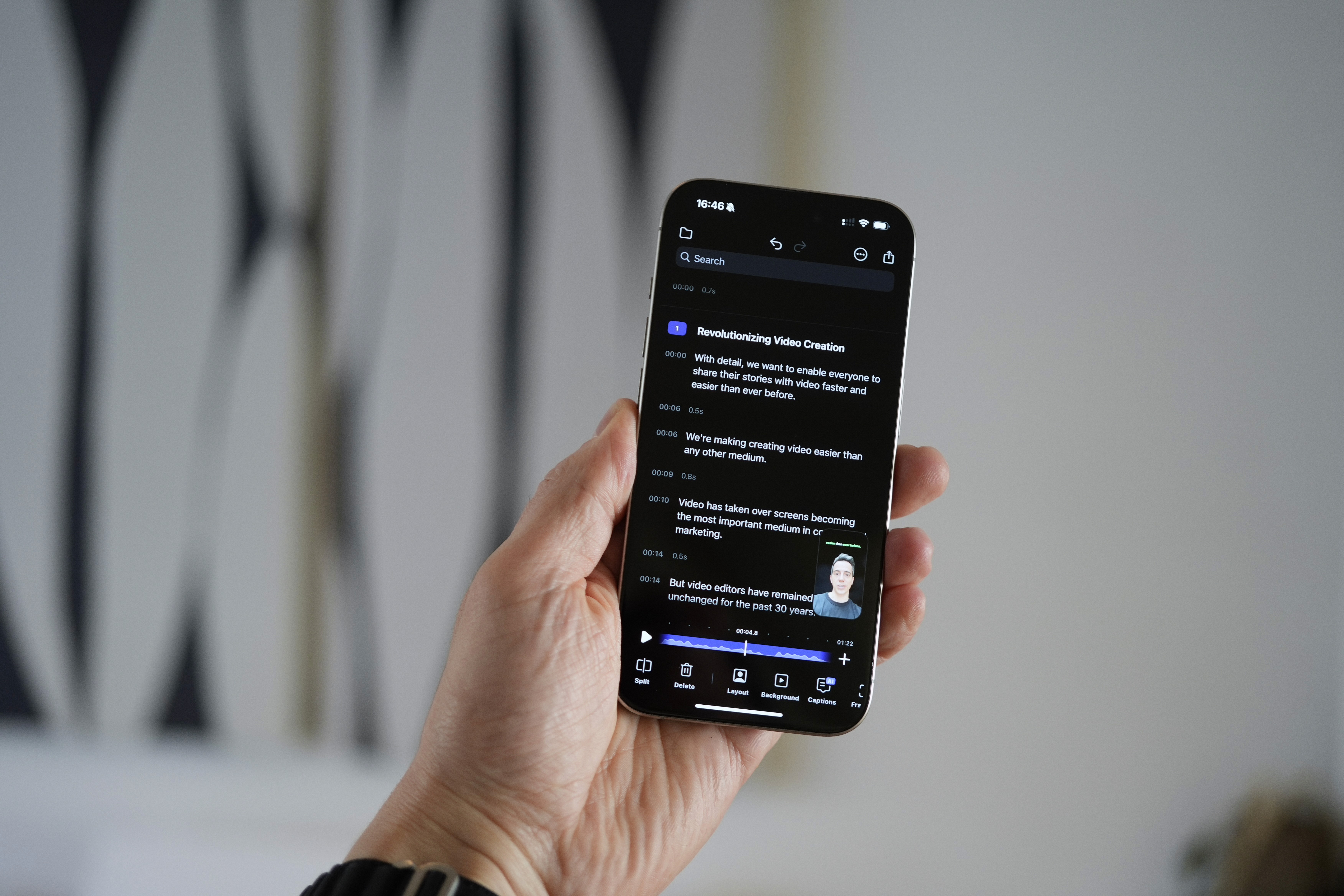
In our latest stride to redefine video editing simplicity, we're introducing an exciting expansion to our Story Editor: Chapters. This feature enriches your editing toolkit by enabling easier navigation and editing of recordings with Chapter Markers, all powered by Detail's AI.
Here's a brief recap of what type of text-based editing you can do in Story Editor so far:
Text-based navigation: Easily jump to any part of your video by tapping on the text.
Swipe to edit: Quickly remove parts you don't want with a simple swipe.
Live preview: Watch your edits as you make them, without waiting.
Export and delete: Pick sentences to make a new video or remove them right away.
Easy picking: Just tap to choose the video parts you want to edit.
Cut the silence: Get rid of silent moments with a few taps.
Quick clips: Turn your selections into new videos or social media-ready clips.
Introducing Chapters
Chapters break down your video narrative into AI-generated sections or milestones. They bring a range of new capabilities to your editing process, including the ability to:
Export a chapter as a new video directly from the Story Editor.
Visualize and export chapters easily through the ShareKit.
Get a chapter-marked text for simpler YouTube chapter marking when exporting.
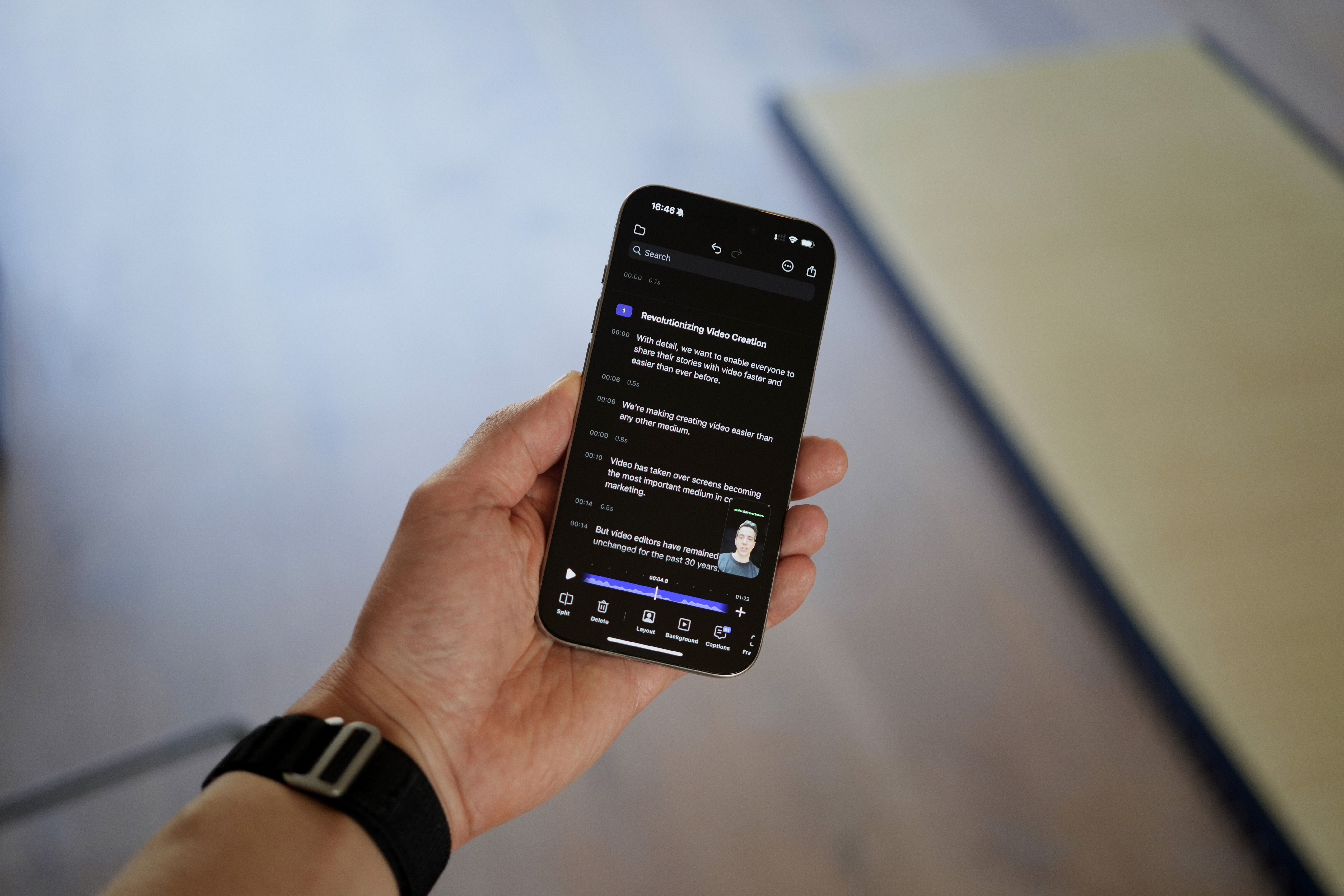
Chapters transform how you engage with your content
Here’s the edge they give you:
Direct exports: Instantly transform longer recordings into shorter, shareable clips by selecting specific Chapters.
Effortless navigation: Glide through extended recordings on your phone with ease, thanks to automatically generated chapters.
Streamlined YouTube uploads: Create YouTube-ready chapter markers in moments.

With the introduction of Chapters, Detail on iOS sets a new benchmark for recording and editing long videos, offering a faster, more intuitive process than any other video editor.
Download Detail now and start unlocking the full potential of your video editing process.


How to Film Your First YouTube Video Using Just Your Phone
Aug 21, 2026
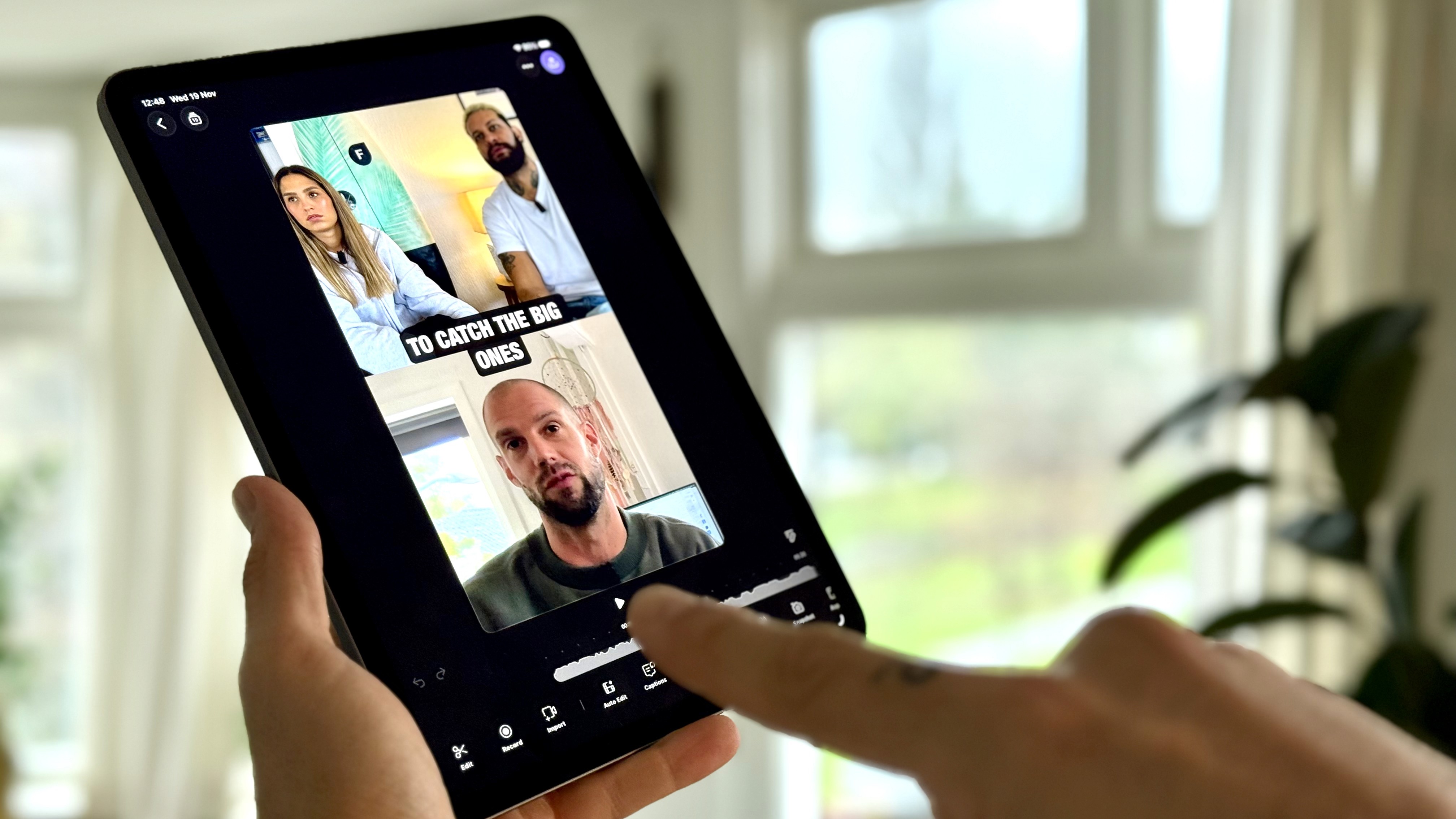
Detail is the iPad App of the Year. Here are 5 incredible things you can do with it.
Dec 4, 2025

How to Repurpose Your Videos: Turn One Recording Into Shorts, Thumbnails, Blog Posts, and Audio Podcast
Aug 29, 2025

iPhone Live Streaming Guide: React to YouTube, TikTok, or Instagram Videos in Real Time
Aug 21, 2025